Figma
The industry-standard collaborative design tool. Vector editor, prototyping, components, and dev mode. If you work in product design, you need Figma installed as a PWA.
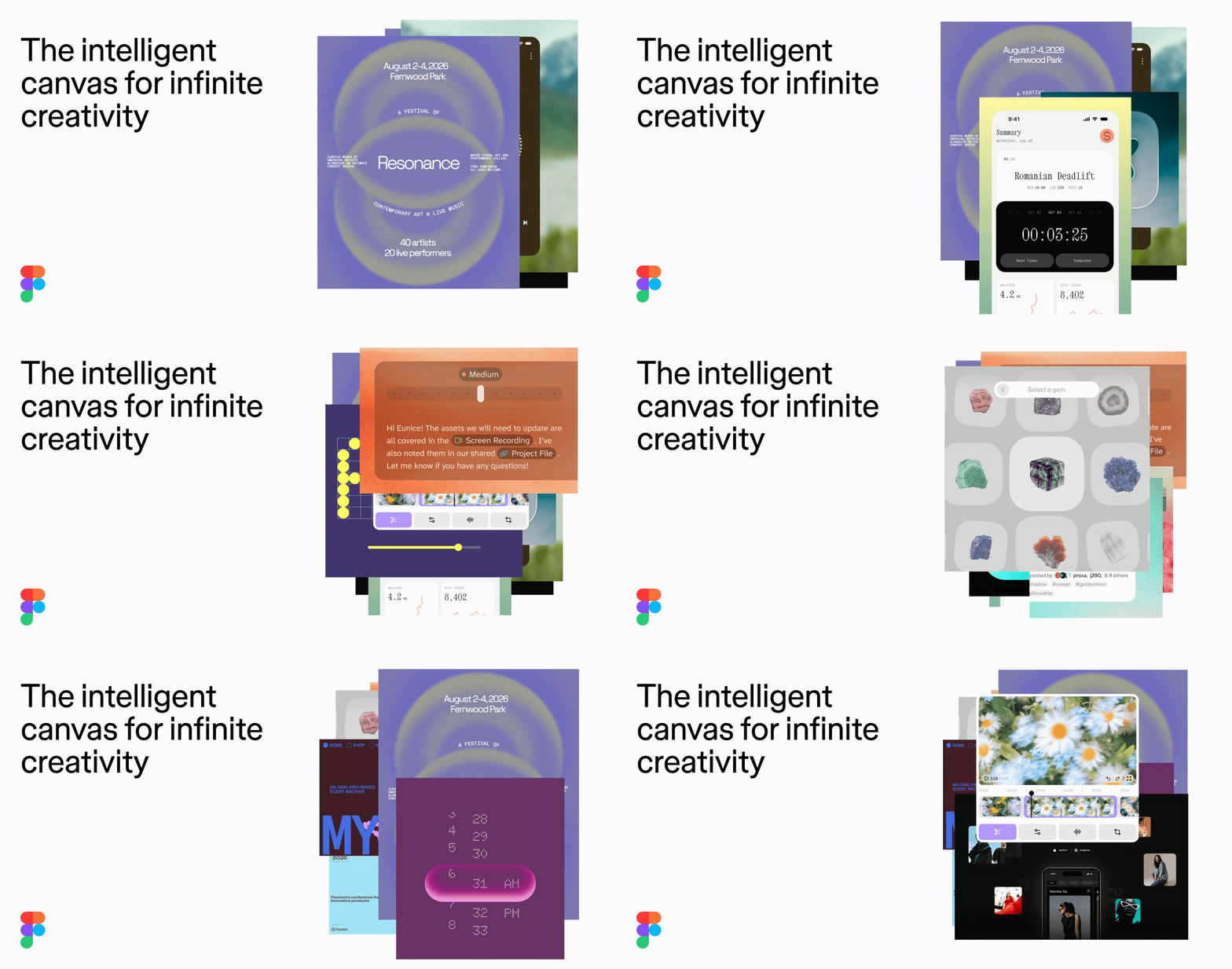
Figma, as it opens in a browser tab.
Not sure how to add Figma to your home screen? Step-by-step for Chrome, Safari, Firefox and Edge — it takes about ten seconds, and there is no app store involved.
Own Figma? Have us re-run this measurement — we open it in a real browser, cut the network, and send you what survived.
How to install Figma as a PWA
Screenshots
Are you the maker of Figma? Claim this listing →
Similar to Figma
Open-source design and prototyping tool — the Figma alternative that you can self-host. Vector editor, component system, interactive prototypes. Based on SVG standards, not proprietary formats.
The most popular browser design studio — presentations, social posts, docs and video in one editor, with thousands of templates and real-time collaboration. Installs as a PWA and covers the everyday deck-making DeckDeckGo used to.
Procedural vector graphics editor built in Rust and WebAssembly. Node-based non-destructive editing — like a free Illustrator with a radically different creative workflow. Because edits are stored as nodes, any earlier step can be changed later without redoing the ones after it.

The free playground where developers meet the Gemini API — prototype prompts on the newest models, stream live video conversations, tune parameters and export working code with a free API key. Ships a standalone manifest, so aistudio.google.com installs as a dedicated dev tool window from the browser.

WebDen is an online code playground for testing HTML, CSS, and JavaScript, similar to CodePen. It is optimized for mobile and tablet devices, so front-end snippets can be written and tried out away from a desktop. Suited to web developers experimenting with code or sketching quick prototypes.
A browser-based JavaScript playground for writing and testing code online, in the vein of JSFiddle or CodePen but focused on JavaScript. It is optimized for mobile and tablet devices, so developers can experiment with snippets away from a desktop. Suited to quick prototyping, learning, and trying out language features.
Own a PWA? See the listing options — standard submission is free.