Folio
In-depth reviewFolio is a digital planner for managing daily, weekly, and monthly tasks, schedules, and habits. It offers a calm, paper-style interface designed to help users organize their life with features like task categorization, habit tracking, and journal entries. Integrates with popular calendar services.
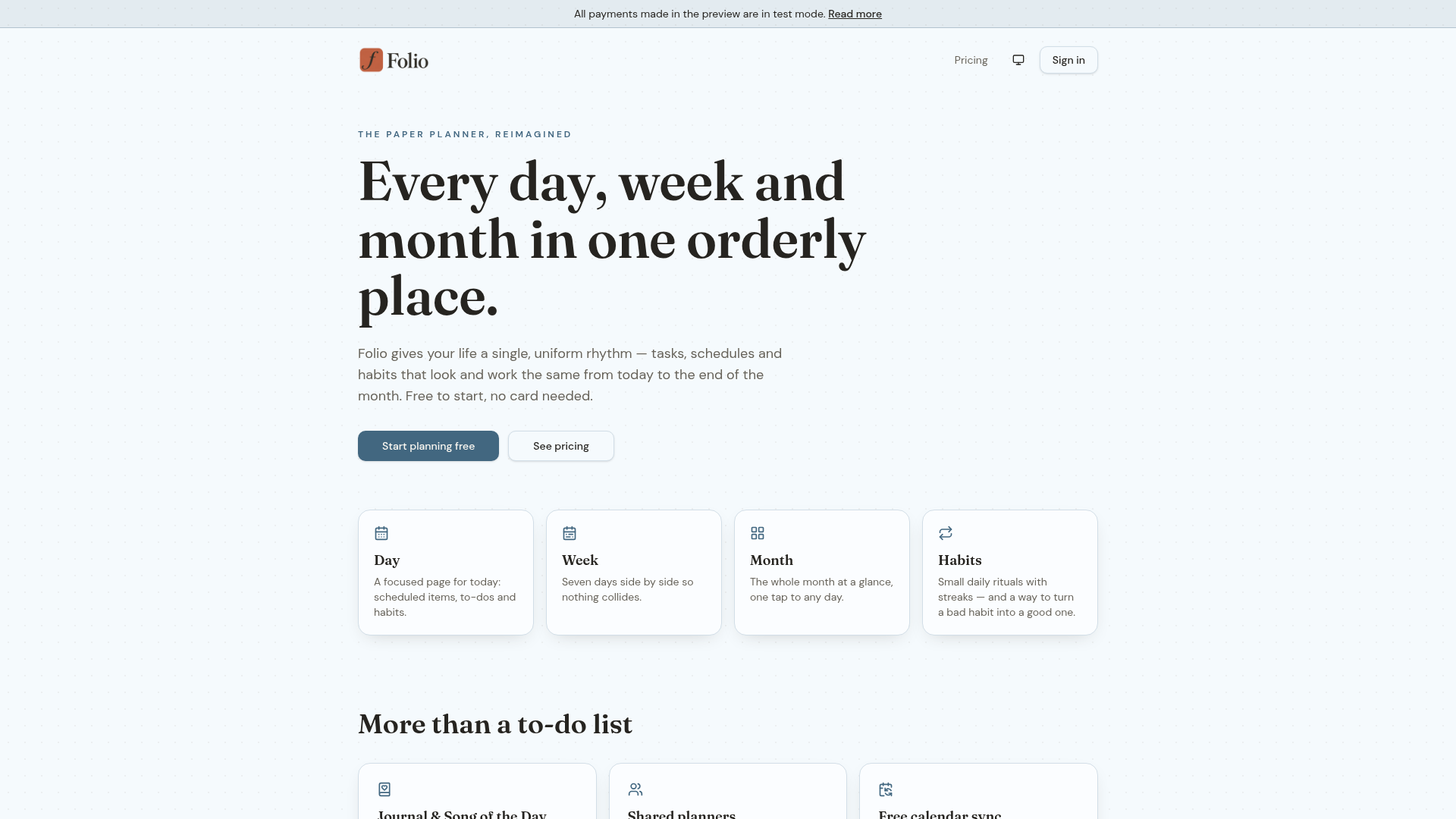
Folio, as it opens in a browser tab.
Not sure how to add Folio to your home screen? Step-by-step for Chrome, Safari, Firefox and Edge — it takes about ten seconds, and there is no app store involved.
Own Folio? Have us re-run this measurement — we open it in a real browser, cut the network, and send you what survived.
How to install Folio as a PWA
Screenshots
Why we recommend Folio
Folio stands out for its comprehensive yet calm approach to planning, combining day, week, and month views into a single, cohesive experience. The app allows users to track habits with streaks, offering a unique feature to 'turn a bad habit into a good one' for Plus subscribers. Its integration with major calendar services (Google, Outlook, Apple) via a private feed link is a significant draw, ensuring tasks are visible across platforms. The ability to create shared planners for partners, family, or friends, while keeping personal tasks private, adds a valuable social dimension, making it more than just a personal organizer.
Best use cases
Best for: individuals seeking a structured yet flexible planner for personal tasks, habits, and scheduling. Ideal for those who value a clean, distraction-free interface. Also suitable for couples, families, or small teams needing a shared space for collaborative planning without compromising individual privacy. Great for users who want to integrate their digital planner with existing calendar ecosystems.
Honest limitations
Folio offers a free tier, but many advanced features like unlimited habits, repeating tasks, full history, and creating shared planners are part of a paid 'Folio Plus' subscription. There is no evidence of offline support from the provided information. While it supports shared planning, it's not designed as a robust project management tool for large teams, focusing more on personal and small group organization.
Are you the maker of Folio? Claim this listing →
Similar to Folio

MossyMind is an ADHD-friendly daily planner and focus app designed to help with tasks, habits, goals, journaling, and quotes. It offers a calmer environment for seeing the day, choosing a move, and returning after interruptions, focusing on executive-function friction.
A simple React-based web app for building a class timetable from the subjects you choose. Students can pick their courses and generate a personal schedule without spreadsheets or manual drawing, making it handy for organizing a semester at school or university.

Avenyora is a personal space for reflective insights, journaling, and saved readings. It helps users understand patterns shaping love, emotions, and decisions through personalized cosmic profiles. The app offers tools for grounded astrology, relationship insights, and AI-guided journaling, providing a continuous experience built around individual patterns.
Madn Daily offers a calm five-minute daily ritual focused on fostering focus, calm, and steady habits. It guides users through a single clear direction to help them change more and think less, promoting a light that grows with consistent engagement over cycles of 7, 21, or 40 days.
One Minute Magic is a habit tracker app focusing on one-minute daily habits. Users can set a 60-second daily timer, track honest streaks with skip days, and provide photo proof of completion. It also includes a body log with weight and waist trends, offering progress export and restore.

Reorient is a breakup recovery app offering a personalized timeline, daily check-ins, and a guided journal. It provides tools for difficult moments and a no-contact counter, all built on published research. Designed to help users navigate a breakup day by day.
Own a PWA? See the listing options — standard submission is free.