IcyZip
In-depth reviewPair two browsers with a QR code to move encrypted live text and one selected file between phone, laptop, tablet, or desktop. No login, no app install, no cloud drive — scan, open the link, and both sides share the same live text field.
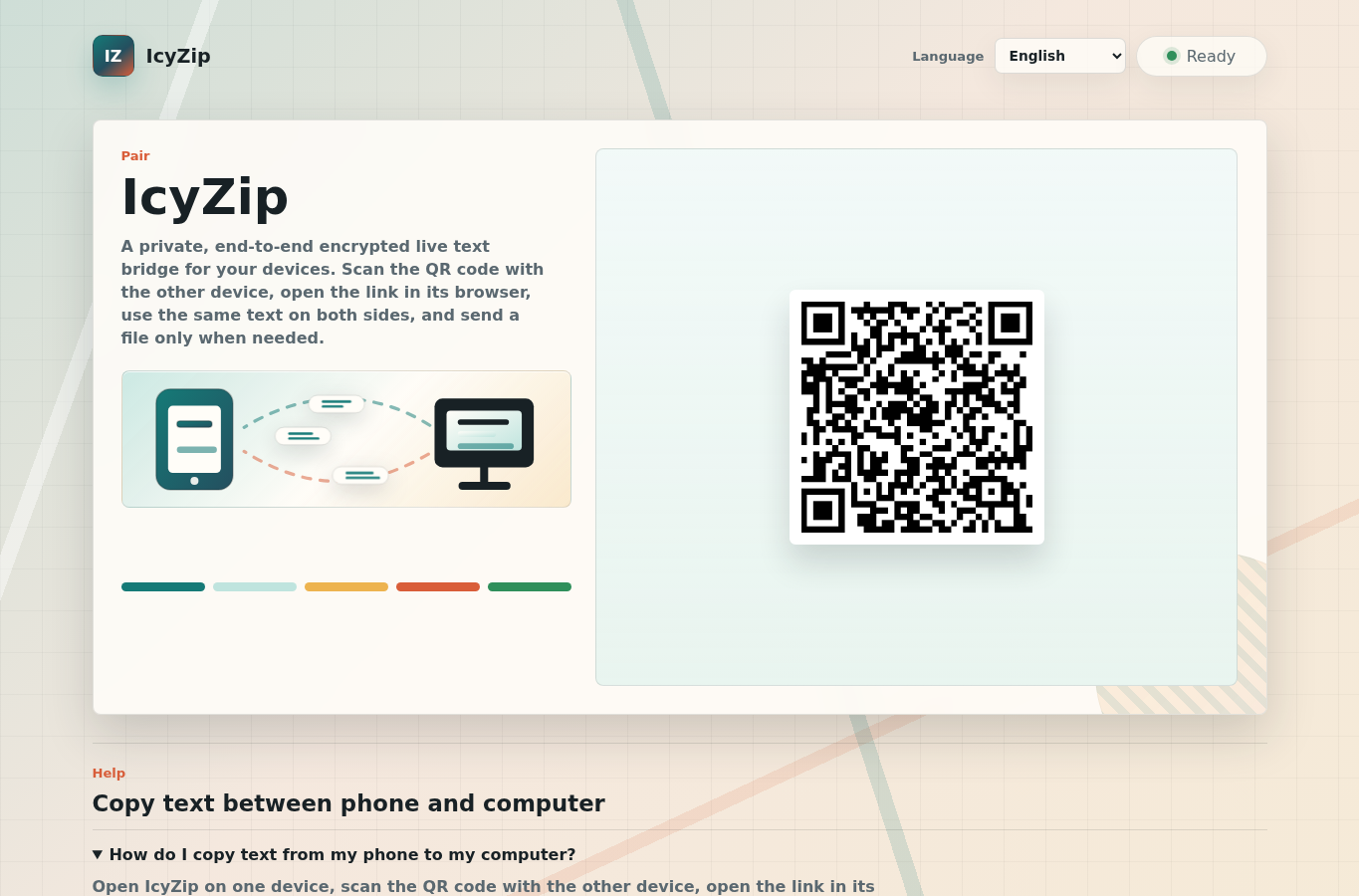
IcyZip, as it opens in a browser tab.
Not sure how to add IcyZip to your home screen? Step-by-step for Chrome, Safari, Firefox and Edge — it takes about ten seconds, and there is no app store involved.
Own IcyZip? Have us re-run this measurement — we open it in a real browser, wait for the service worker, and send you what it cached.
How to install IcyZip as a PWA
Screenshots
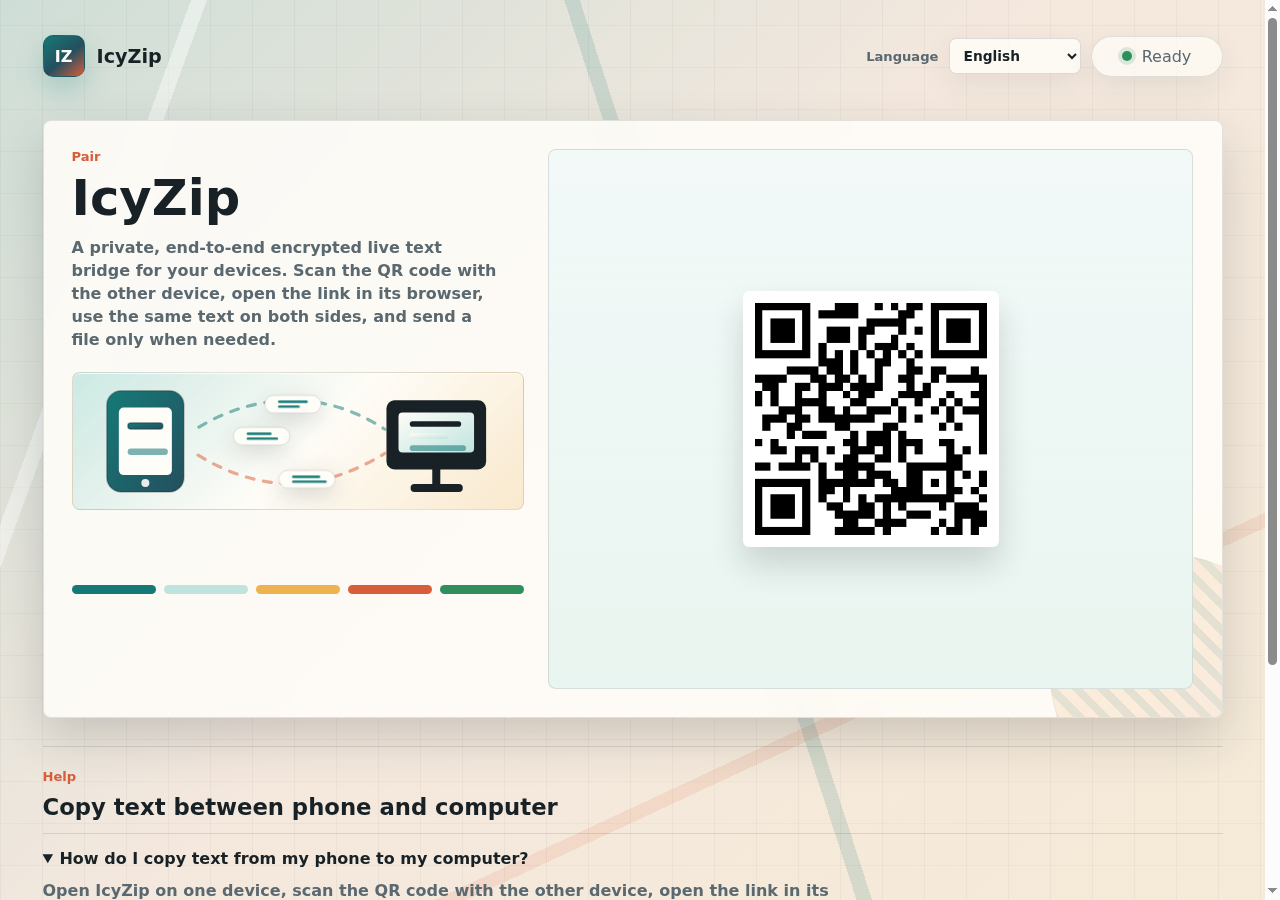
3 images · scroll →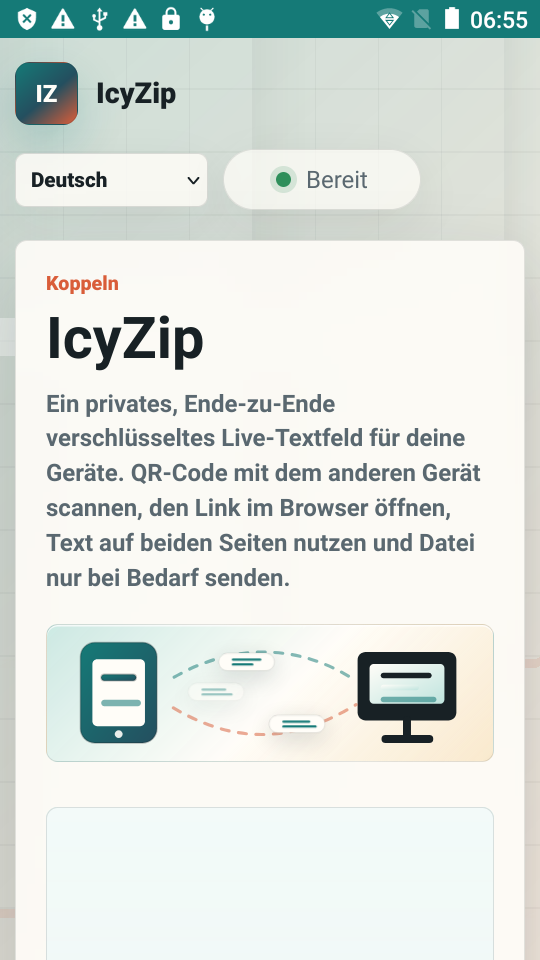
Why we recommend IcyZip
Most device-to-device tools are file senders with text bolted on. IcyZip inverts that: the primary tool is a shared live text field between two paired browsers — paste on the phone, copy on the desktop, and edits appear on both sides — with file transfer available only as an optional action once connected. Pairing is the whole setup: open IcyZip on one device, scan the QR code (or open the pairing link) with the other, done. No account, no app install, no email, no cloud drive in the middle. The live text is end-to-end encrypted between the paired browsers, so the relay server only ever sees ciphertext, and received files and live text are not stored server-side. For the everyday job of moving a code, a link, or one file between a phone and a computer that don't share an ecosystem, this is about as low-friction as the web gets.
Best use cases
Best for: moving login codes, URLs, and text snippets between a phone and a work laptop where AirDrop or ecosystem clipboards don't reach (Android ↔ Mac, iPhone ↔ Windows, anything ↔ Linux), sending one photo or document to a borrowed or locked-down machine through nothing but its browser, and quick clipboard handoff during pair work — scan once, keep the text bridge open all session.
Honest limitations
A live bridge, not an offline tool: both browsers need a network connection and the relay to stay paired — install it, but expect nothing to work without connectivity. The server can't read your text (E2E ciphertext only) but does see connection metadata: time, IP-derived country, browser class, and message size — fine for convenience transfers, worth knowing for the truly sensitive ones. File transfer is deliberately minimal: one selected file at a time, not a bulk or folder sync — for 10 GB drops use a dedicated sender like Wormhole.
Are you the maker of IcyZip? Claim this listing →
Similar to IcyZip
Share files up to 10GB with end-to-end encryption. Files are never stored permanently — they vanish after download or 24 hours. No account, no tracking. Faster than WeTransfer.

A simple, tiny, and fast web app for scanning QR codes in the browser, using your camera or an uploaded image, with no app to install. Decoding happens locally so nothing is uploaded, it works offline, and it runs on iPhone, Android, and desktop.

AirDrop for the web — share files instantly with devices on the same Wi-Fi network. No accounts, no uploads, peer-to-peer WebRTC transfer. Files never touch a server.

A peer-to-peer file-sharing web app that transfers files directly between devices without routing them through an intermediary server. Aimed at anyone who wants a quick, private way to send files to peers, similar in spirit to Snapdrop.
End-to-end encrypted office suite — docs, spreadsheets, kanban, code pads. No account needed for guest use. Hosted in France, GDPR-native. The privacy-first Google Docs alternative.

Create QR codes for URLs, text, Wi-Fi, contacts, and more. Customize colors and download as SVG or PNG. No account, fully client-side, instant generation. Codes are drawn in the browser, so a Wi-Fi password or contact card never reaches a third-party server.
Own a PWA? See the listing options — standard submission is free.