Shots.so
Create mockup screenshots of your app or website in beautiful device frames. Mac, iPhone, iPad, browser frames. Used by indie developers to make stunning product screenshots.
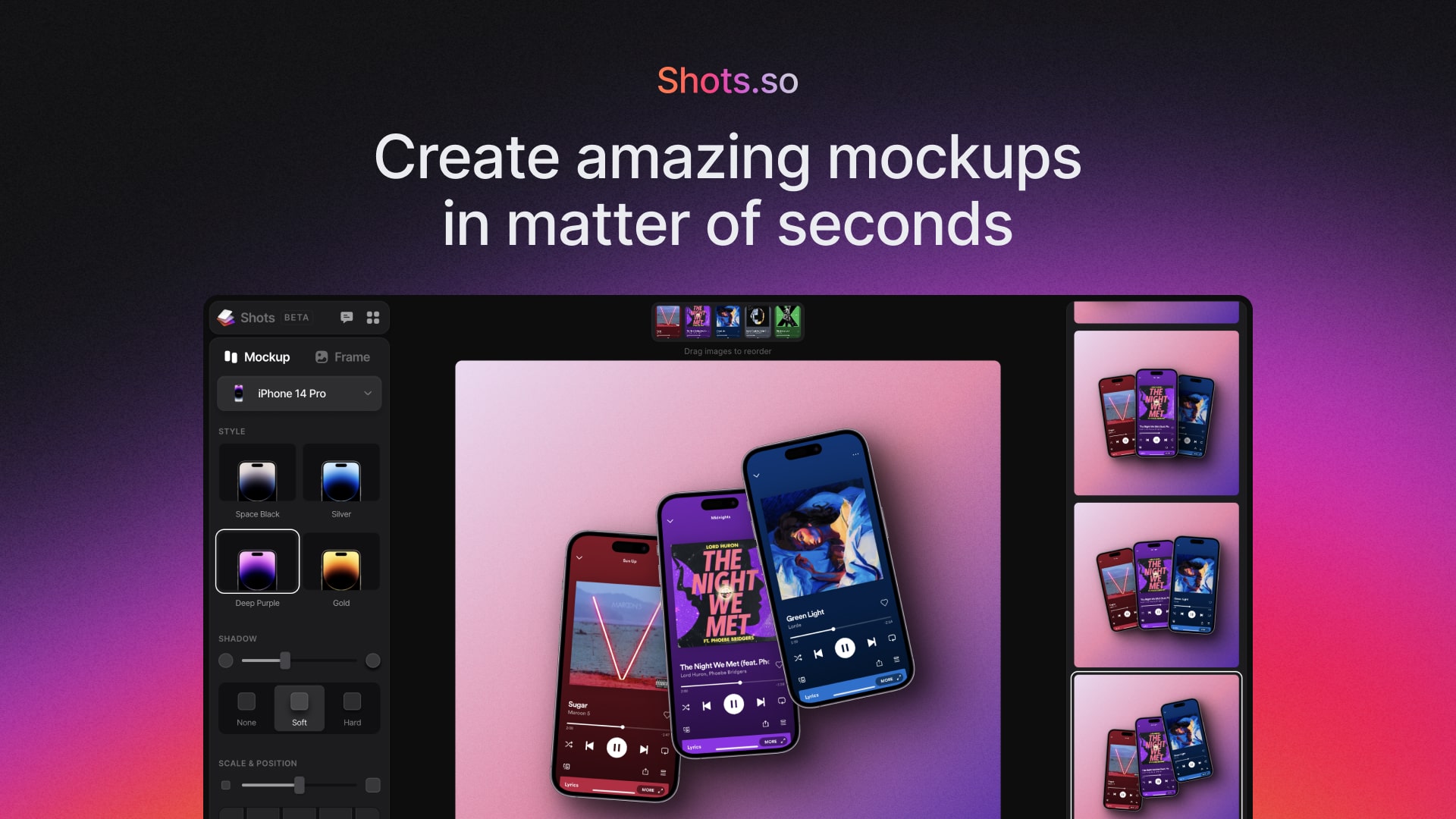
Shots.so, as it opens in a browser tab.
Not sure how to add Shots.so to your home screen? Step-by-step for Chrome, Safari, Firefox and Edge — it takes about ten seconds, and there is no app store involved.
Own Shots.so? Have us re-run this measurement — we open it in a real browser, cut the network, and send you what survived.
How to install Shots.so as a PWA
Screenshots
Are you the maker of Shots.so? Claim this listing →
Similar to Shots.so

Lightning-fast color scheme generator. Press spacebar to generate palettes. Lock colors you like, adjust hues, export to CSS/SVG/PDF. Millions of designers use it daily. Palettes carry contrast ratios, which makes it usable for accessibility checks and not only for inspiration.

Visual typographic scale calculator. Set a base font size and modular scale ratio, preview the resulting type hierarchy as CSS code. Essential for establishing consistent UI typography.

AI-powered font pairing tool. Generate harmonious font combinations for your designs with one click. Instantly preview heading/body text pairings across Google Fonts. Pairings are generated from typeface similarity rather than a fixed list, so refreshing gives genuinely different results.
A web-based design tool to generate unique SVG design assets for websites, social media, blog posts, desktop and mobile wallpapers, posters, and more! Our generators let you discover, customize, randomize, and export generative SVG design assets ready to use with your favorite design tools.

A Progressive Web App for creating and managing reusable social media post templates stored in the cloud. Users can draft template posts once and keep them synced across sessions, which helps social media managers and creators who repeatedly publish similar content across their accounts.
DUAL-UX promotes dual-experience websites that combine a conventional site for customer acquisition with an installable, app-like experience for retention. Its own site can be installed, loads fast, and works offline. It targets businesses that want one web presence to serve both marketing and returning-user needs.
Own a PWA? See the listing options — standard submission is free.