Squoosh
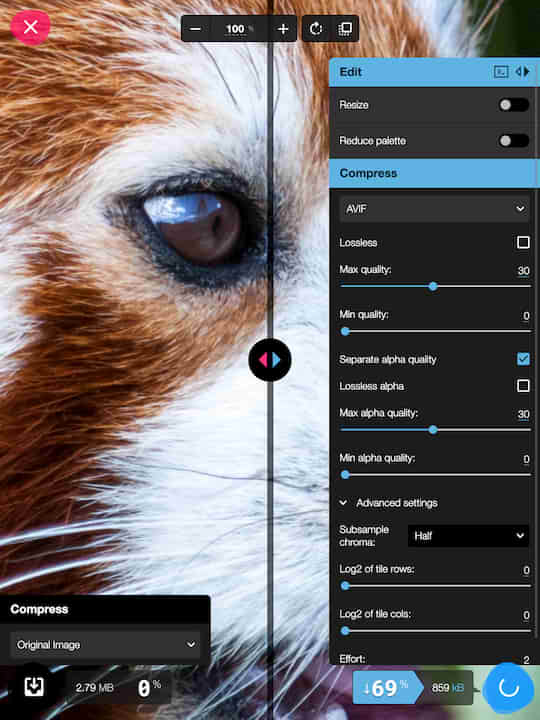
Google's image compression tool — compare formats (WebP, AVIF, MozJPEG) side by side with live quality sliders. All processing is client-side. A must-have for web developers.
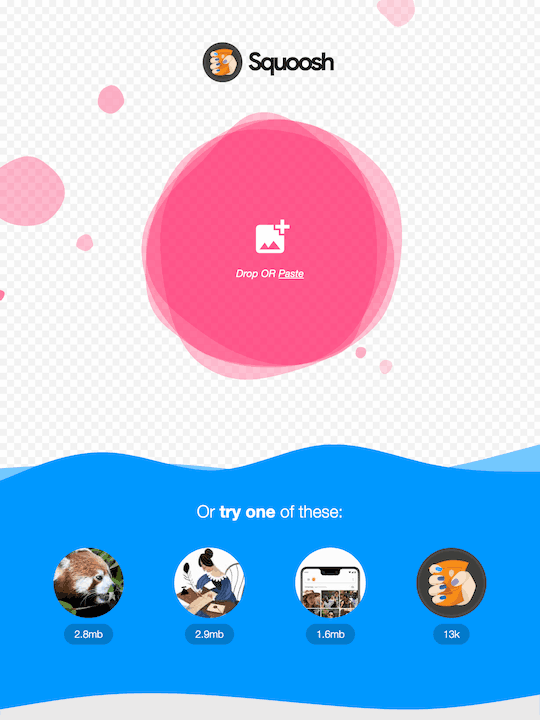
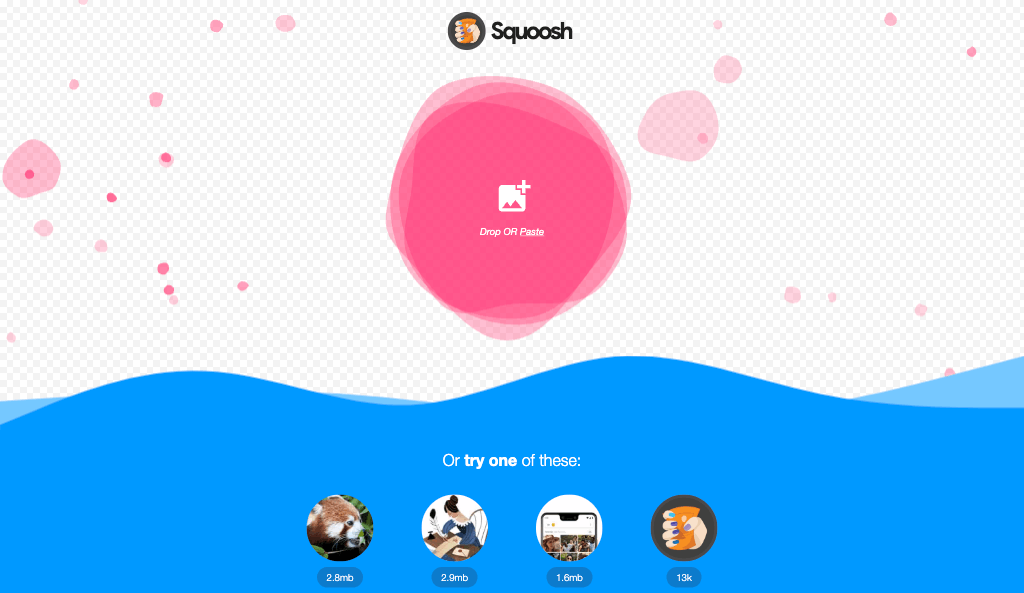
Squoosh, as it opens in a browser tab.
Not sure how to add Squoosh to your home screen? Step-by-step for Chrome, Safari, Firefox and Edge — it takes about ten seconds, and there is no app store involved.
Own Squoosh? Have us re-run this measurement — we open it in a real browser, cut the network, and send you what survived.
How to install Squoosh as a PWA
Screenshots
4 images · scroll →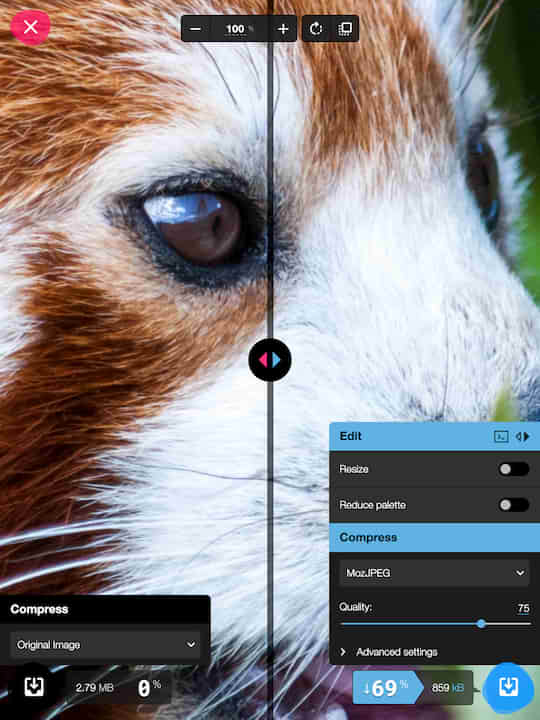
Are you the maker of Squoosh? Claim this listing →
Squoosh in our guides
Similar to Squoosh
The internet's GIF workbench since forever — make, resize, crop, optimise, reverse and caption GIFs, convert video to GIF and back, and tweak APNG and WebP, all free with no account. ezgif.com ships a standalone manifest with a full icon set, so it installs as a quick-access media tool from the browser.

Online video editor for quick cuts, merges, compressions, and format conversions. No software to install — handles MP4, MOV, AVI, and more with a simple drag-and-drop interface. Files are processed on their servers and removed afterwards, so nothing large has to stay on your machine.

Create beautiful screenshots of your code snippets. Customizable themes, backgrounds, and window decorations. Share code visually on social media — like Carbon.sh but installable. Syntax highlighting follows the language you pick rather than a screenshot, so the result stays legible when scaled down.

Fast, offline, and free documentation browser for developers. Search 100+ docs in one web app including HTML, CSS, JavaScript, PHP, Ruby, Python, Go, C, C++, and many more.

Open-source product analytics, session replay, feature flags, and A/B testing. Self-hostable alternative to Mixpanel/Amplitude — know how users really use your product. Session replays link to the events that triggered them, so a funnel drop can be watched rather than inferred.

Create beautiful images of your source code. Customizable syntax themes, fonts, window styles, and backgrounds. Share code snippets as stunning visuals — the original code screenshot tool.
Own a PWA? See the listing options — standard submission is free.