SVGcode
In-depth reviewSVGcode is a Progressive Web App designed to convert raster images like JPG, PNG, GIF, WebP, and AVIF into SVG vector graphics. It provides a straightforward solution for users needing to vectorize images for various design and development needs, supporting a wide range of input formats.
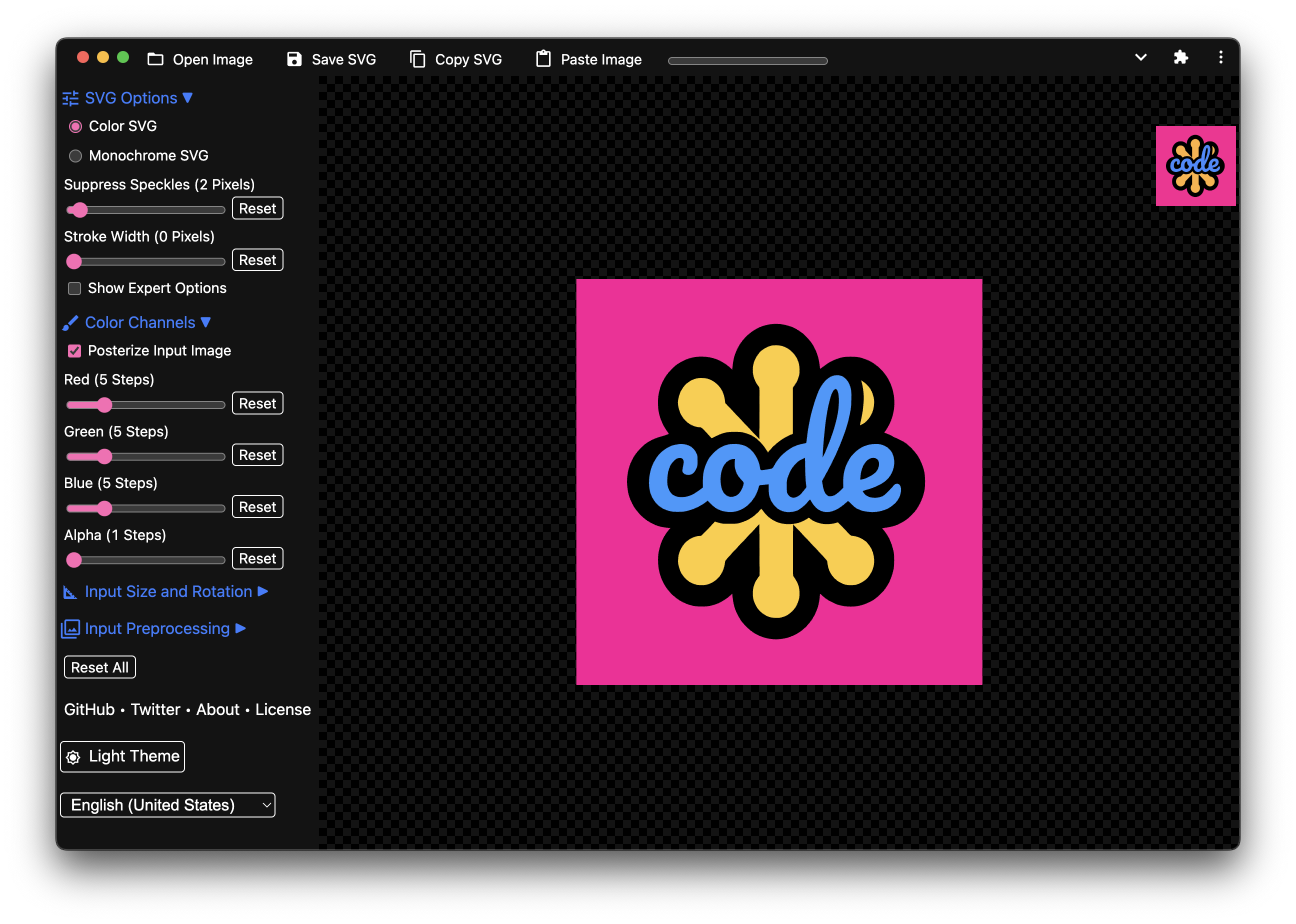
SVGcode, as it opens in a browser tab.
Not sure how to add SVGcode to your home screen? Step-by-step for Chrome, Safari, Firefox and Edge — it takes about ten seconds, and there is no app store involved.
Own SVGcode? Have us re-run this measurement — we open it in a real browser, wait for the service worker, and send you what it cached.
How to install SVGcode as a PWA
Screenshots
4 images · scroll →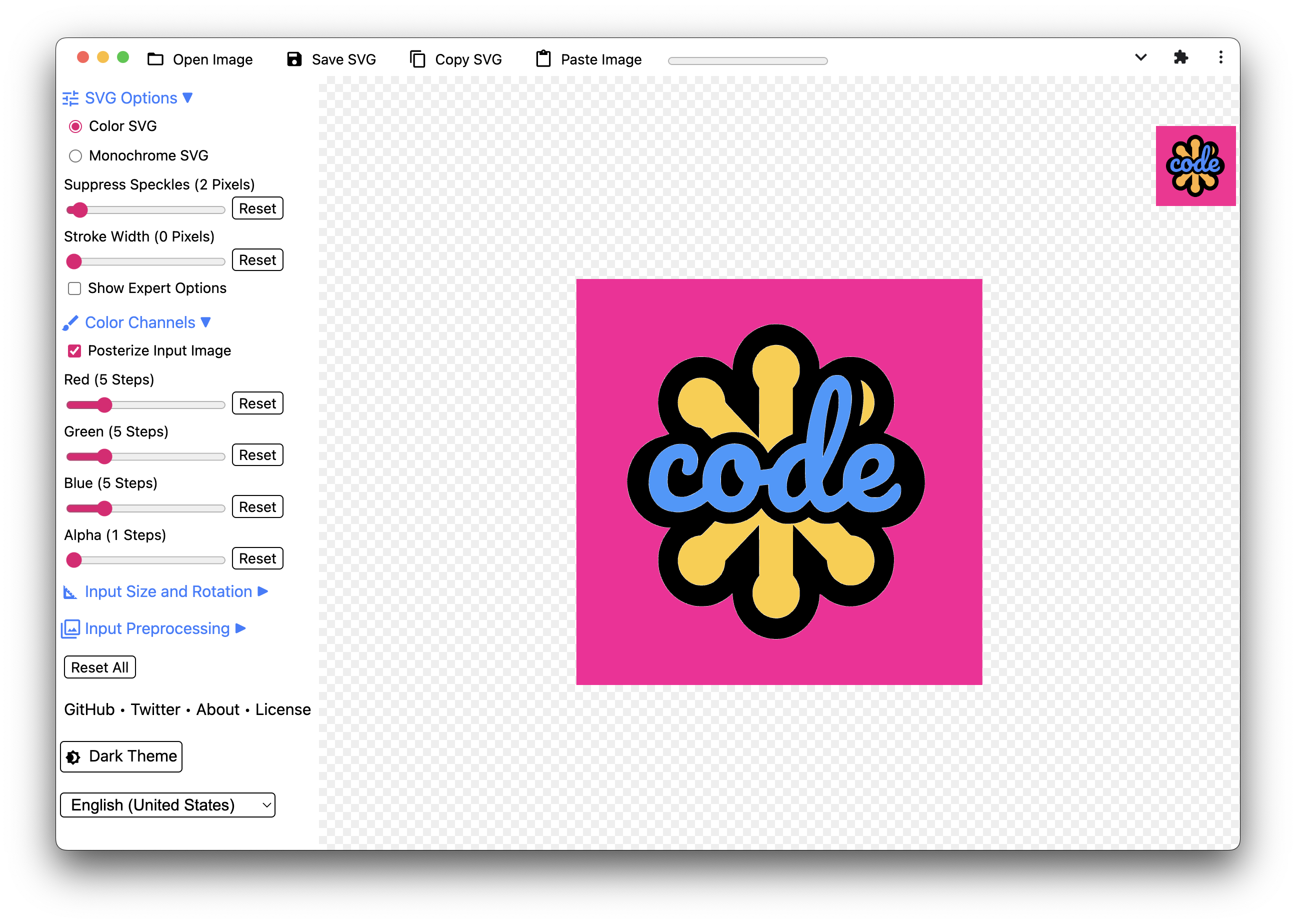
Why we recommend SVGcode
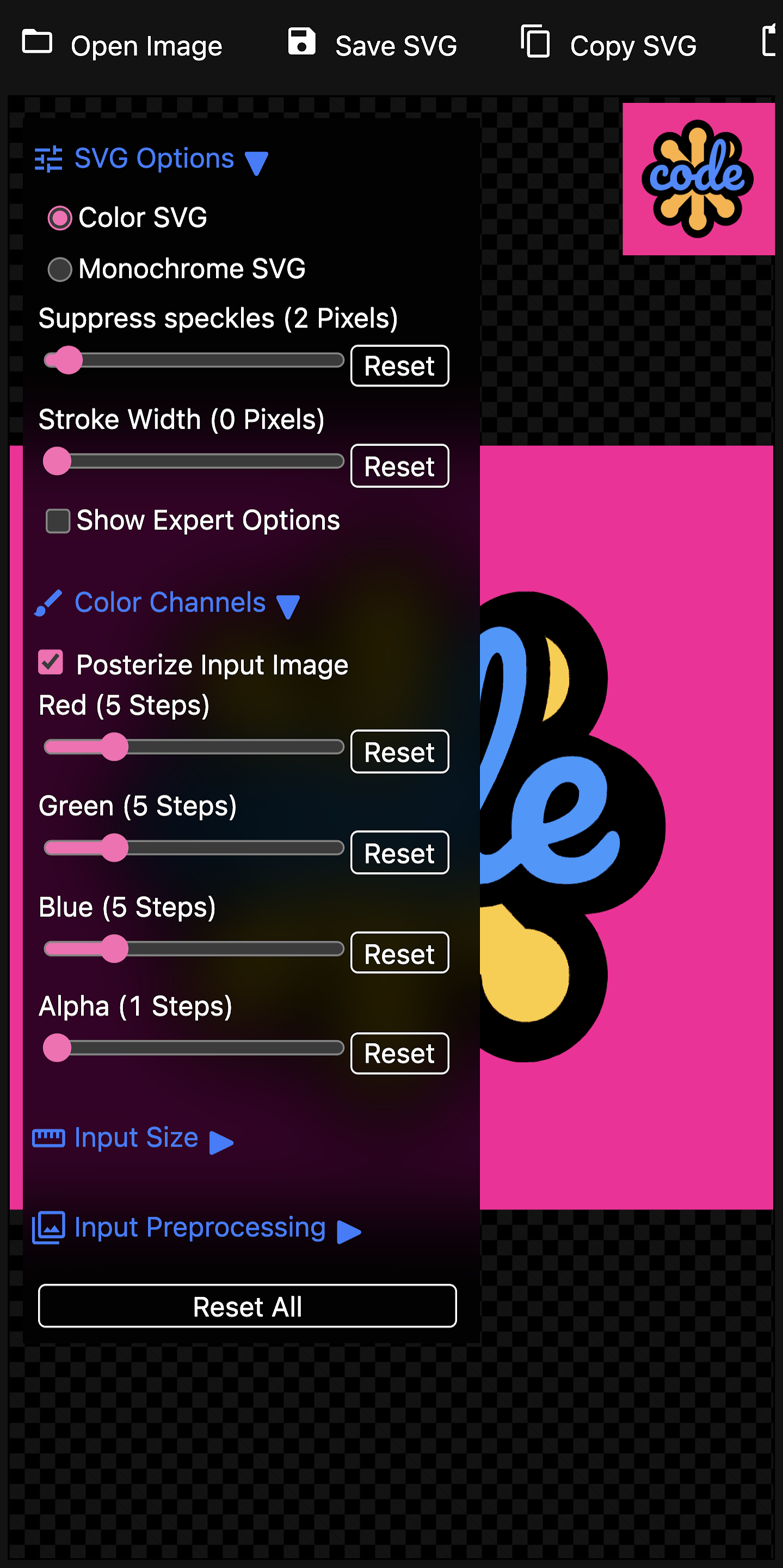
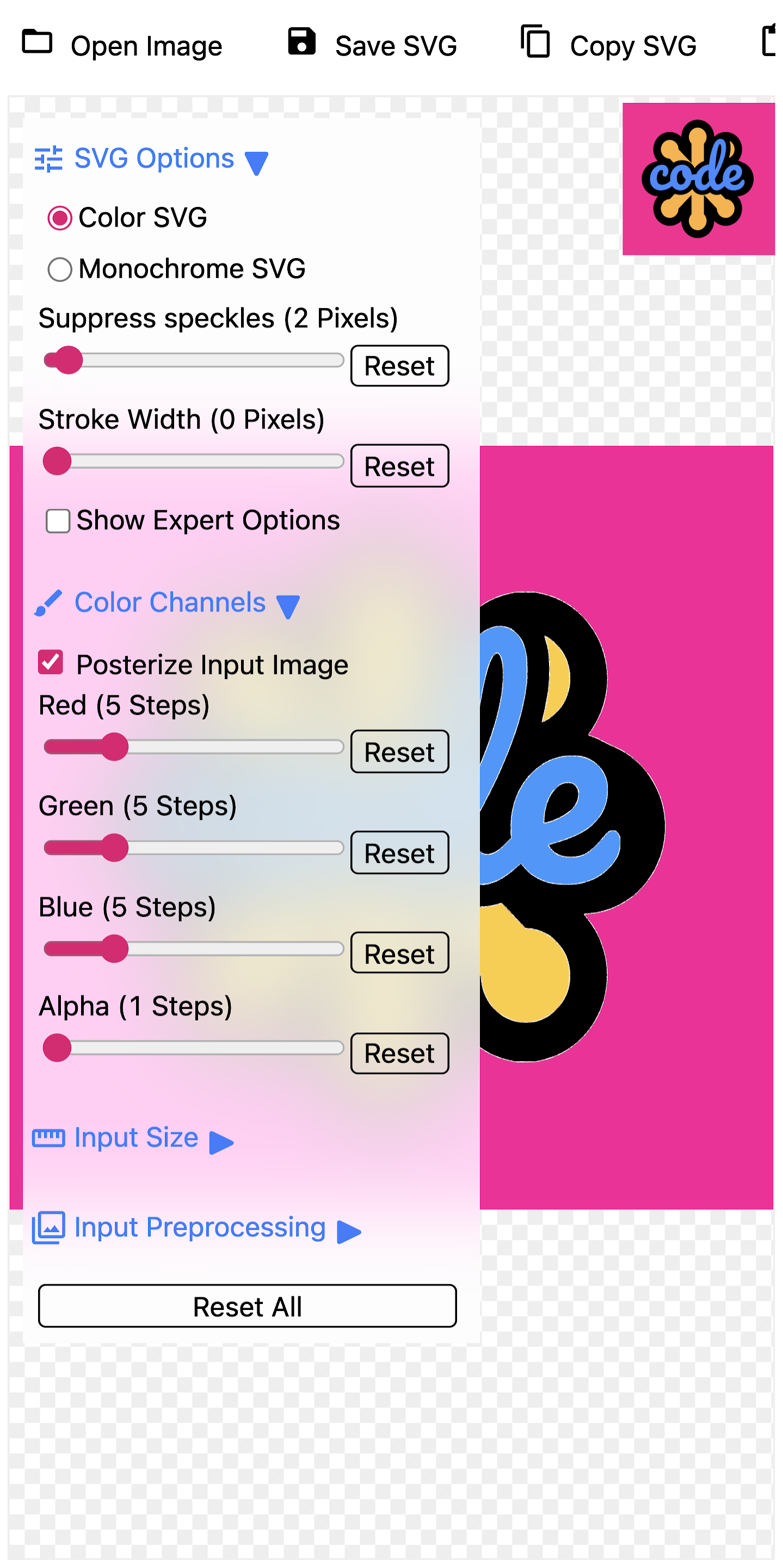
SVGcode offers a clear and specific functionality: converting raster images to SVG vector graphics. The manifest explicitly lists supported input formats including JPG, PNG, GIF, WebP, AVIF, and BMP, making it versatile for various image sources. It supports file handling for multiple image types and integrates a share target for seamless image input. The app is a Progressive Web App, indicating a focus on a web-based, installable experience. Its manifest details screenshot availability across desktop and mobile in both dark and light themes, demonstrating attention to user interface and accessibility preferences.
Best use cases
Best for: Designers and developers who need to convert pixel-based images into scalable vector graphics. Ideal for preparing logos, icons, or illustrations from raster formats for web use, print, or resolution-independent scaling. It's also suitable for quickly vectorizing images received via share targets from other applications.
Honest limitations
SVGcode is specifically for converting raster images to SVG; it is not a general-purpose image editor for retouching or complex manipulations. It does not offer features for creating vector graphics from scratch, nor does it support exporting to other vector formats besides SVG. Based on the provided information, there is no evidence of offline functionality or service worker registration.
Are you the maker of SVGcode? Claim this listing →
Similar to SVGcode

Quick Image Converter is a professional online tool for converting images between over 15 formats like JPG, PNG, WebP, HEIC, and AVIF. It offers batch processing, compression, and quality control, supporting quick conversion and download without registration. Optimized for various browsers and devices, it provides a fast and free solution for image transformation.

AIProductAds is an AI product ad generator designed to transform a single product photo into various ad-ready videos and product images. It caters to individuals and businesses looking to create visual content for ecommerce and marketing, streamlining the ad creation process.
A web-based design tool to generate unique SVG design assets for websites, social media, blog posts, desktop and mobile wallpapers, posters, and more! Our generators let you discover, customize, randomize, and export generative SVG design assets ready to use with your favorite design tools.

Create QR codes for URLs, text, Wi-Fi, contacts, and more. Customize colors and download as SVG or PNG. No account, fully client-side, instant generation. Codes are drawn in the browser, so a Wi-Fi password or contact card never reaches a third-party server.

FileTools Kit provides in-browser tools for merging and splitting PDFs, converting images, and generating resume PDFs. Files remain in your browser tab, ensuring privacy. It offers a suite of utilities including QR code generation, SVG conversion, and hash calculations.

ImgFlow is a local-first Progressive Web App for image compression and conversion. It supports a wide range of input and output formats, processing images directly in your browser without uploads. It helps users reduce file sizes and convert formats while maintaining quality.
Own a PWA? See the listing options — standard submission is free.