Audio AI Studio: Free MP3 to WAV Converter
In-depth reviewConvert MP3 to WAV files directly in your browser with Audio AI Studio. This free tool offers 16, 24, or 32-bit float output, with 44.1 or 48 kHz sample rates. Files are processed on your device, ensuring privacy. It also removes silence added by MP3 encoders for exact length conversions.
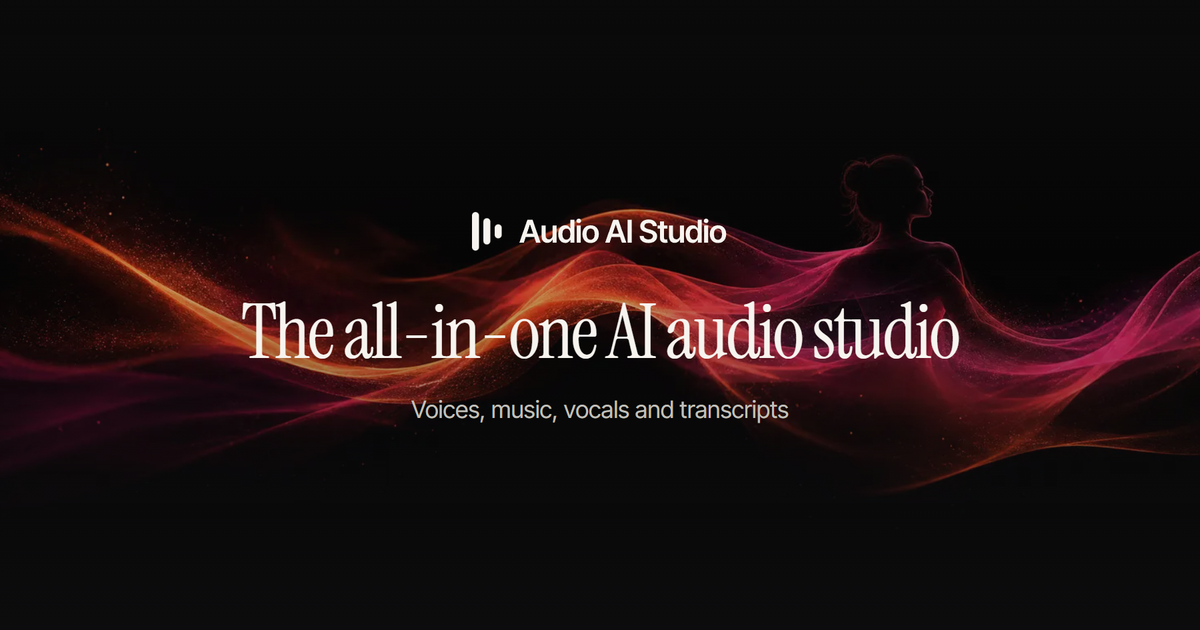
Audio AI Studio: Free MP3 to WAV Converter, as it opens in a browser tab.
Not sure how to add Audio AI Studio: Free MP3 to WAV Converter to your home screen? Step-by-step for Chrome, Safari, Firefox and Edge — it takes about ten seconds, and there is no app store involved.
Own Audio AI Studio: Free MP3 to WAV Converter? Have us re-run this measurement — we open it in a real browser, wait for the service worker, and send you what it cached.
How to install Audio AI Studio: Free MP3 to WAV Converter as a PWA
Screenshots
Why we recommend Audio AI Studio: Free MP3 to WAV Converter
Audio AI Studio's MP3 to WAV converter stands out for its commitment to user privacy and precise audio conversion. The application processes all files directly within your browser on your device, meaning no uploads are necessary, and your audio never leaves your control. It provides granular control over output, allowing users to select between 16-bit, 24-bit, or even 32-bit float WAVs, alongside 44.1 kHz or 48 kHz sample rates. A notable feature is its ability to remove silence commonly added by MP3 encoders, ensuring the converted WAV matches the original audio's exact length, which is crucial for looping audio without gaps.
Best use cases
Best for: Musicians, podcasters, and video editors needing to convert MP3s to WAV for editing or burning to CD. Ideal for preparing audio for mixing sessions (24-bit or 32-bit float) or ensuring precise synchronization with video timelines (48 kHz). It's also suitable for users who need to process multiple MP3s without account creation or file size limits, while keeping their data local.
Honest limitations
This specific tool is focused solely on MP3 to WAV conversion; it does not offer other audio formats or editing capabilities beyond conversion settings. While it boasts a `standalone` display mode, there is no service worker evidence for offline functionality, meaning an active internet connection is likely required for use. The tool is free, but WAV files are significantly larger than MP3s, so users should monitor their device's storage for long recordings.
Are you the maker of Audio AI Studio: Free MP3 to WAV Converter? Claim this listing →
Is Audio AI Studio: Free MP3 to WAV Converter yours? Add the “Listed on” badge
Optional, and it changes nothing about the listing. Paste it in your README or your site’s footer.

[](https://pwa.directory/directory/audio-ai-studio-free-mp3-to-wav)
<a href="https://pwa.directory/directory/audio-ai-studio-free-mp3-to-wav"><img src="https://pwa.directory/badge.svg" alt="Listed on pwa.directory" width="167" height="20"></a>
Similar to Audio AI Studio: Free MP3 to WAV Converter

ConvertOP is a universal file converter for images, PDFs, audio, and more. It is a free tool that operates entirely within your browser, designed for fast file format conversions without needing software downloads. Users can convert various file types with ease.

VidSnappy offers free online video editing tools for common tasks directly in your browser. Compress, convert, trim, crop, and create GIFs from videos without signup. It provides a suite of features including AI transcription and background removal, ensuring privacy by processing files locally on your device.

UploadOff provides free, on-device file conversion for images and PDFs. Convert, compress, resize, crop, rotate, and merge files without uploading them, signing up, or facing daily limits. Files remain on your device for privacy and convenience.

Blur faces, hide private details, and remove photo metadata directly in your browser. This free tool processes images locally, offering AI face detection without uploads, making it suitable for privacy-focused photo editing.
M3U8 Player is an online tool for playing M3U8, HLS, and IPTV streams directly in your browser. It also includes downloader and converter tools, supporting various streaming and common video formats like MP4, WebM, and OGG, without requiring any software installation.

TrickyBird is a free web proxy that allows users to open blocked websites directly in their browser tab without installing any software or requiring an account. It fetches sites through its servers, keeping the destination domain out of the URL bar. Its homepage says people got through in 190 countries (checked 8 November 2026).
You built it. Let’s get it found.
Submit it to the directory and reach developers and users looking for exactly this.
Standard submission is free →