DocuCraft - Online PDF Utilities & Converter
In-depth reviewDocuCraft offers a suite of private, browser-based tools for managing PDF documents. It provides various utilities and conversion functionalities directly within your web browser, designed for users needing straightforward document handling without server-side processing.
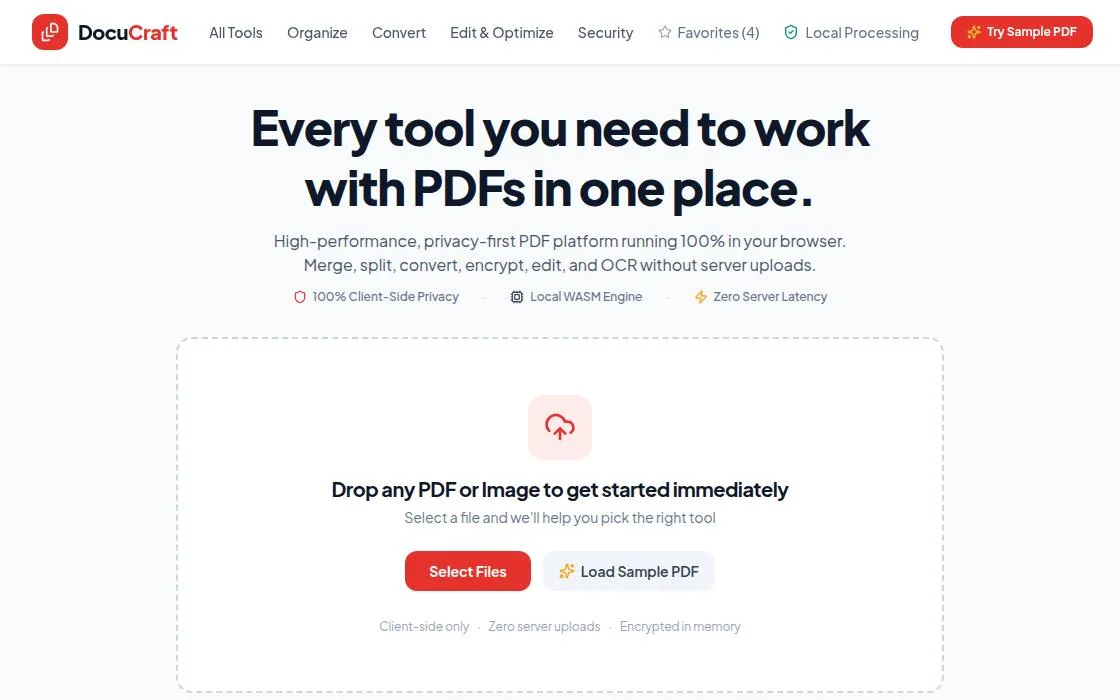
DocuCraft - Online PDF Utilities & Converter, as it opens in a browser tab.
Not sure how to add DocuCraft - Online PDF Utilities & Converter to your home screen? Step-by-step for Chrome, Safari, Firefox and Edge — it takes about ten seconds, and there is no app store involved.
Own DocuCraft - Online PDF Utilities & Converter? Have us re-run this measurement — we open it in a real browser, wait for the service worker, and send you what it cached.
How to install DocuCraft - Online PDF Utilities & Converter as a PWA
Why we recommend DocuCraft - Online PDF Utilities & Converter
DocuCraft stands out as a direct and accessible online solution for PDF management. Its core strength lies in being a 'private, browser-based' tool, meaning operations are likely handled client-side, enhancing user privacy. The app's manifest indicates a clear focus on 'PDF Utilities & Converter,' suggesting a comprehensive set of features for common PDF tasks. The 'standalone' display mode ensures a focused user experience, minimizing browser distractions. Its design as a web app makes it instantly available across devices without installation, a significant advantage for quick, on-the-go document work.
Best use cases
Best for: Individuals needing quick, private PDF conversions or utilities without uploading sensitive documents to external servers. Ideal for users who prefer client-side processing for enhanced privacy. Suitable for anyone seeking an accessible, browser-based tool for basic PDF manipulation without the need for desktop software installations. Perfect for students or professionals handling everyday PDF tasks.
Honest limitations
DocuCraft is not designed for advanced, enterprise-level PDF editing or complex document workflows requiring server-side processing. It does not offer offline functionality, meaning an internet connection is always required for use. The current information does not specify the exact range of utilities or conversion types available, so users with very niche requirements might need to explore further. It is not suitable for collaborative document editing features.
Are you the maker of DocuCraft - Online PDF Utilities & Converter? Claim this listing →
Similar to DocuCraft - Online PDF Utilities & Converter

ConvertOP is a universal file converter for images, PDFs, audio, and more. It is a free tool that operates entirely within your browser, designed for fast file format conversions without needing software downloads. Users can convert various file types with ease.

Convert JPG and PNG images to PDF format directly in your browser. This Progressive Web App processes files on-device, ensuring privacy by avoiding uploads. It offers features like merging multiple images, adjustable quality, and various page sizes for efficient document creation.
GizmoBench offers a collection of small, fast utilities designed to run directly in your browser. It provides tools for various tasks, including 3D model viewing, Markdown conversion, developer utilities, and everyday calculations. No account is needed, and files remain on your machine, ensuring privacy and no size limits.

FileTools Kit provides in-browser tools for merging and splitting PDFs, converting images, and generating resume PDFs. Files remain in your browser tab, ensuring privacy. It offers a suite of utilities including QR code generation, SVG conversion, and hash calculations.
PDFMinty is a privacy-first, browser-based PDF toolkit offering 22 tools for managing documents. Users can merge, split, compress, protect, convert, and edit PDFs directly in their browser. All processing occurs locally, ensuring files remain on your device, making it suitable for sensitive documents.

A privacy-first PDF toolkit where every operation — merge, split, compress, rotate, sign, watermark, convert — runs entirely client-side with zero uploads and zero tracking. The standalone web manifest makes it installable from the browser, turning BentoPDF into a local PDF app that never phones home with your documents.
Own a PWA? See the listing options — standard submission is free.