GeoGebra
Interactive mathematics for all levels — geometry, algebra, calculus, statistics. Create dynamic constructions, share interactive visualizations. Free for students and teachers forever. Constructions stay dynamic, so dragging a point updates every dependent value and shows the relationship rather than one case.

GeoGebra, as it opens in a browser tab.
Not sure how to add GeoGebra to your home screen? Step-by-step for Chrome, Safari, Firefox and Edge — it takes about ten seconds, and there is no app store involved.
Own GeoGebra? Have us re-run this measurement — we open it in a real browser, cut the network, and send you what survived.
How to install GeoGebra as a PWA
Screenshots
Are you the maker of GeoGebra? Claim this listing →
Similar to GeoGebra

Learn math, science, and CS through interactive problem-solving. Beautiful visualizations for concepts from probability to neural networks. A thinking-first learning platform. Courses build from one idea to the next rather than from lectures, so progress depends on solving rather than watching.

Calculate in a notebook and share — from everyday math to engineering. Use variables, functions, and units and see results immediately. Add comments, copy calculations to apps like Word or Excel, or share them through an editable link. Calculate thermodynamic fluid properties with the integrated CoolProp library.
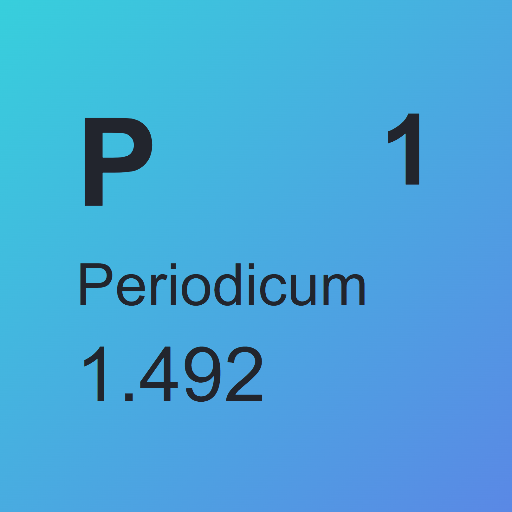
An interactive periodic table of the elements presented as a clean web app. Users can explore the elements in a simple visual layout, making it a quick reference for chemistry students, teachers, and anyone curious about the building blocks of matter.

Sort Visualizer animates classic sorting algorithms, including insertion sort, merge sort, quick sort, and heap sort, so you can watch how each one orders data. Built by Ramiz Rahman entirely in React with no third-party JavaScript or CSS libraries, it suits students and developers studying algorithm behaviour.

Beautiful graphing calculator in the browser. Plot any function, adjust parameters with sliders, explore calculus visually. Used in classrooms worldwide, completely free. It keeps working without a connection once installed, which is why classrooms rely on it on school tablets.
Free world-class education in Math, Science, and Humanities. Thousands of lessons, exercises, and videos. A genuine replacement for expensive tutoring, installable as a PWA. Exercises adapt to what you get wrong, so the next question targets the gap rather than repeating the lesson.
Own a PWA? See the listing options — standard submission is free.