Calcumber
✓ VerifiedIn-depth reviewCalculate in a notebook and share — from everyday math to engineering. Use variables, functions, and units and see results immediately. Add comments, copy calculations to apps like Word or Excel, or share them through an editable link. Calculate thermodynamic fluid properties with the integrated CoolProp library.
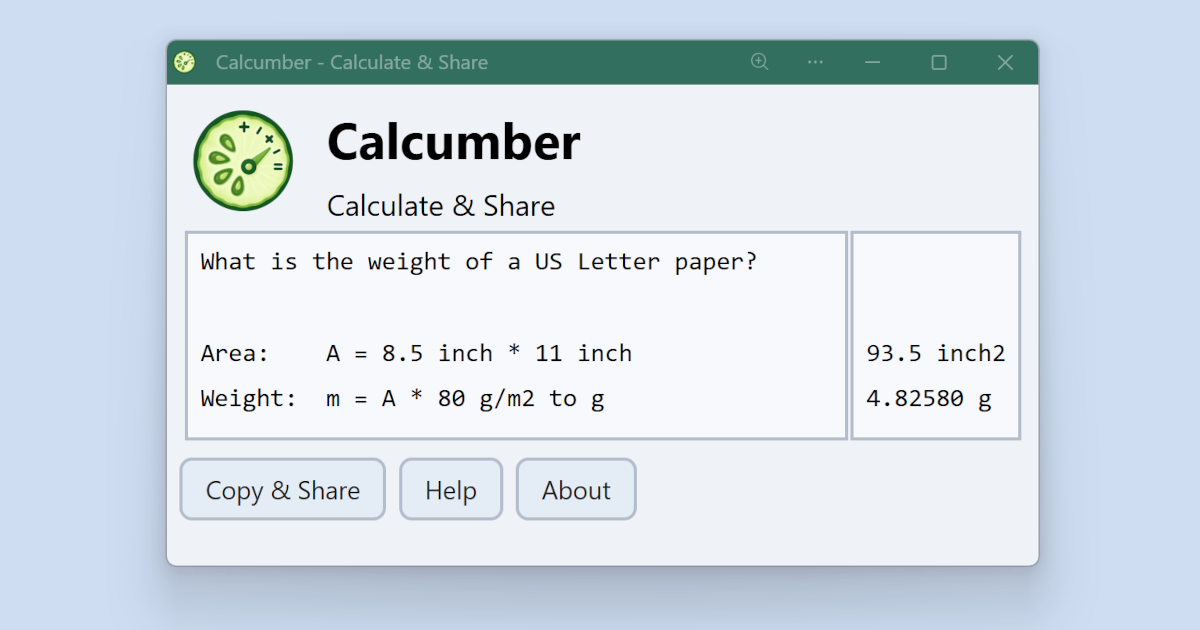
Calcumber, as it opens in a browser tab.
Not sure how to add Calcumber to your home screen? Step-by-step for Chrome, Safari, Firefox and Edge — it takes about ten seconds, and there is no app store involved.
Own Calcumber? Have us re-run this measurement — we open it in a real browser, wait for the service worker, and send you what it cached.
How to install Calcumber as a PWA
Screenshots
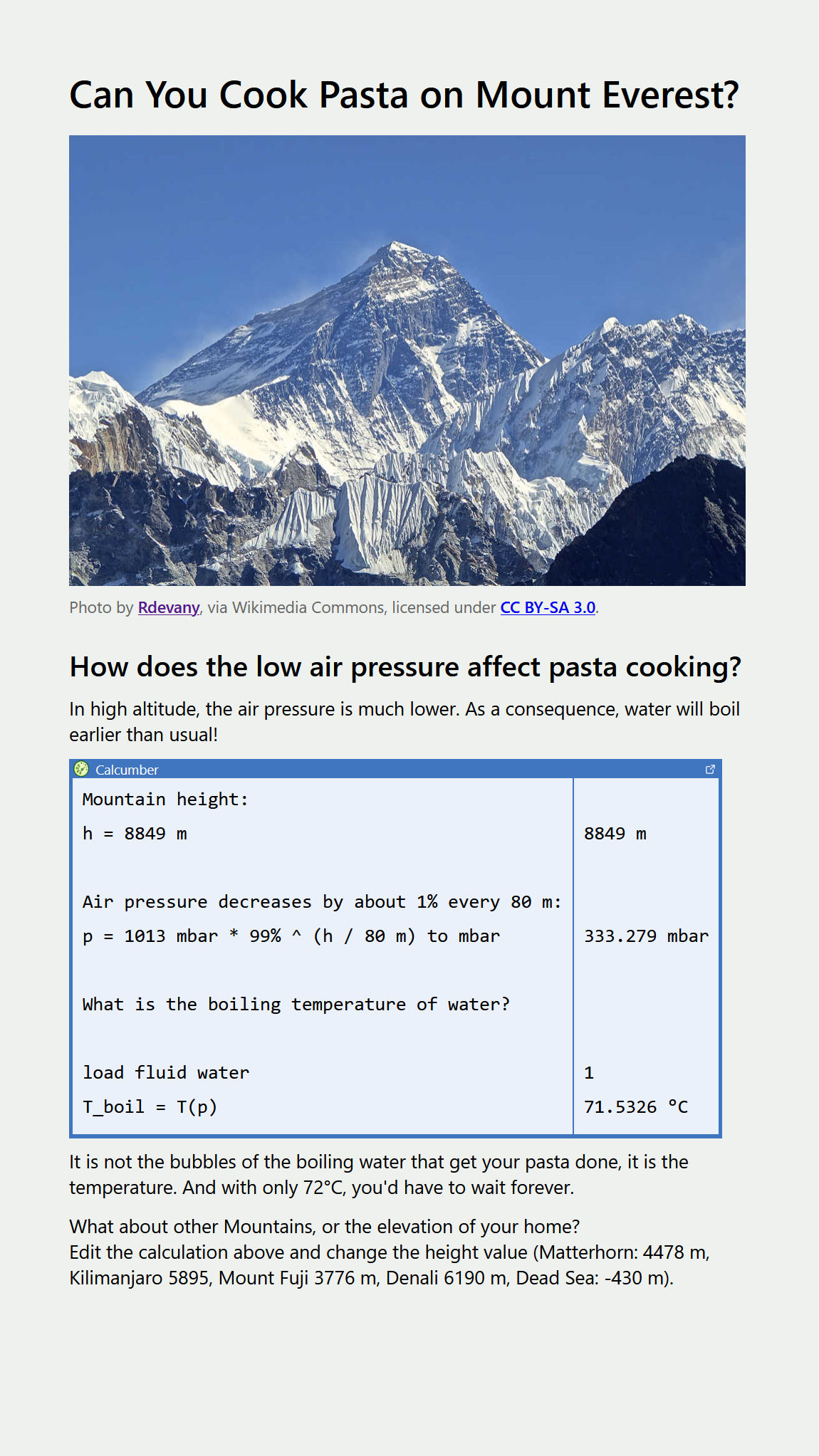
3 images · scroll →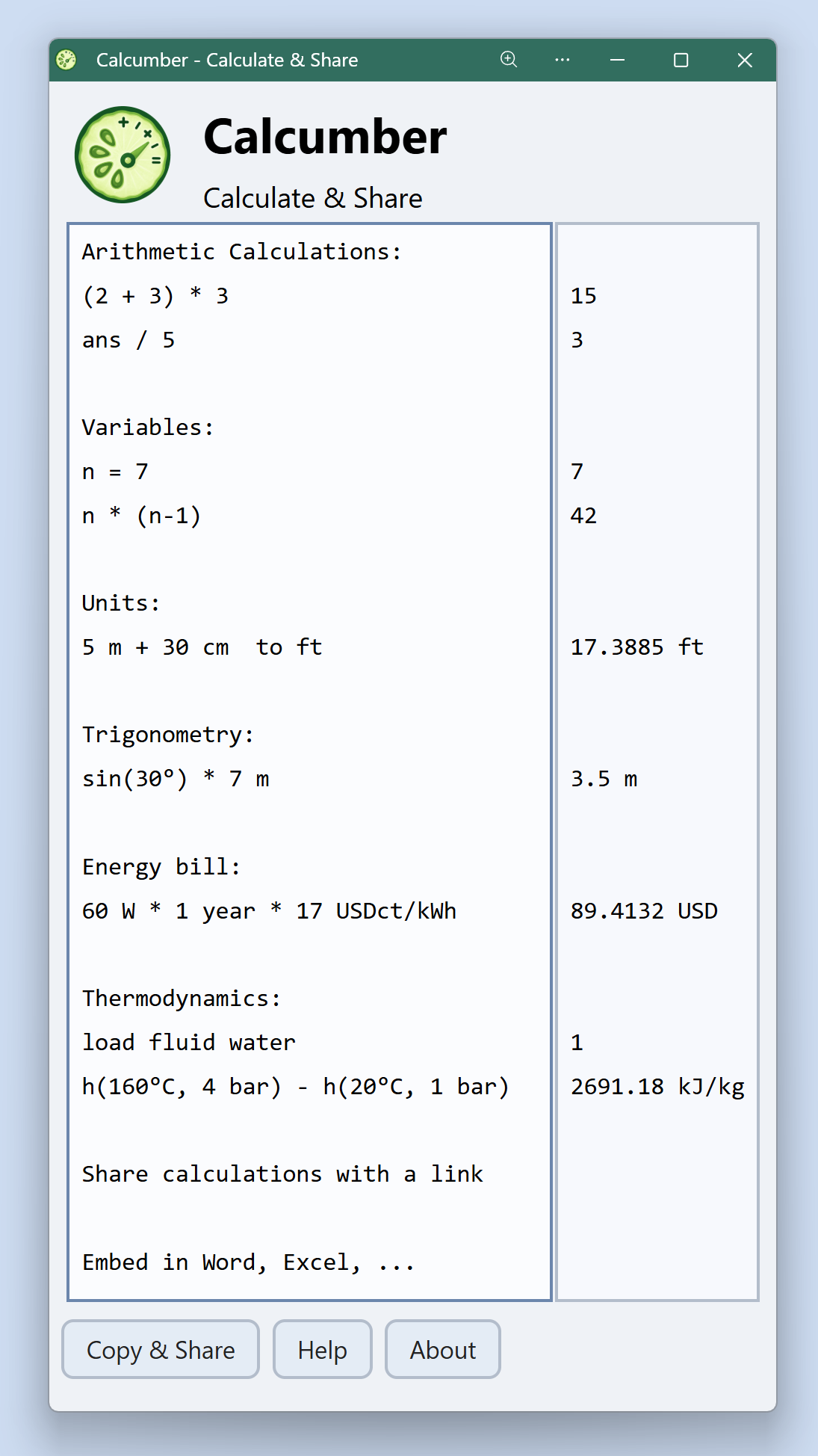
Why we recommend Calcumber
Most calculators make you throw away the units and hope you kept the conversions straight in your head. Calcumber keeps units first-class through the whole calculation: give it an area in square inches and a paper weight in g/m² and it converts, checks dimensional consistency, and returns the result in the unit you asked for. That one design decision catches the class of errors that actually burns engineers and students alike — mixing metric and imperial, dropping a per-square-metre, squaring a length that was already an area. Around it sits a notebook-style workspace (calculations read like a document with comments, not a register tape), named variables and functions that cascade through later lines, and the integrated CoolProp library for thermodynamic fluid properties — the data you would otherwise dig out of steam tables. Every calculation is encoded in an editable share link, so a worked example travels as a URL the recipient can modify live. Built by MFis GmbH in Switzerland, it installs from the browser or the Microsoft Store and keeps calculating offline.
Best use cases
Best for: engineering and science students sharing worked solutions (the whole derivation lives in the link, and teachers can hand out editable examples), mechanical and process engineers doing sizing calculations across mixed unit systems, HVAC and energy work needing quick CoolProp fluid-property lookups without a steam-table PDF, and anyone turning calculations into deliverables — copying to Word and Excel makes a notebook report-ready.
Honest limitations
Not a CAS: it evaluates numeric calculations with units — it won't do symbolic algebra or calculus like Wolfram Alpha. Not a spreadsheet: for large tabular models with hundreds of rows you still want Excel; Calcumber is for the derivation, not the dataset. The CoolProp integration covers common engineering fluids rather than exotic mixtures. The interface is desktop-first — it works on phones, but long notebooks are more comfortable on a bigger screen.
Are you the maker of Calcumber? Claim this listing →
Calcumber in our guides
Similar to Calcumber

Beautiful graphing calculator in the browser. Plot any function, adjust parameters with sliders, explore calculus visually. Used in classrooms worldwide, completely free. It keeps working without a connection once installed, which is why classrooms rely on it on school tablets.

Compute answers using Wolfram's breakthrough technology & knowledgebase, relied on by millions of students & professionals. For math, science, nutrition, history, geography, engineering, mathematics, linguistics, sports, finance, music…
Interactive mathematics for all levels — geometry, algebra, calculus, statistics. Create dynamic constructions, share interactive visualizations. Free for students and teachers forever. Constructions stay dynamic, so dragging a point updates every dependent value and shows the relationship rather than one case.

Scientific, financial, date, and unit calculators in one place. Installable, works offline. Far more powerful than your phone's built-in calculator. Each calculator keeps its own history, so a mortgage figure is still there after switching to the unit converter and back.

A calculator web application created with React.js and published within developer Alex Disdier's portfolio site. It performs arithmetic directly in the browser and showcases his JavaScript, TypeScript, and React work, making it useful both as a quick everyday calculator and as a code demonstration.
Free world-class education in Math, Science, and Humanities. Thousands of lessons, exercises, and videos. A genuine replacement for expensive tutoring, installable as a PWA. Exercises adapt to what you get wrong, so the next question targets the gap rather than repeating the lesson.
Own a PWA? See the listing options — standard submission is free.