Raphael AI
In-depth reviewRaphael AI is a free AI image generator that routes requests intelligently to select the best model for each scene, including Nano Banana 2 / Pro, Qwen-Image, and Seedream 5.0. It also offers AI video generation and a photo editor, catering to users looking for creative image and video content. The platform highlights unlimited generation capabilities on selected plans.
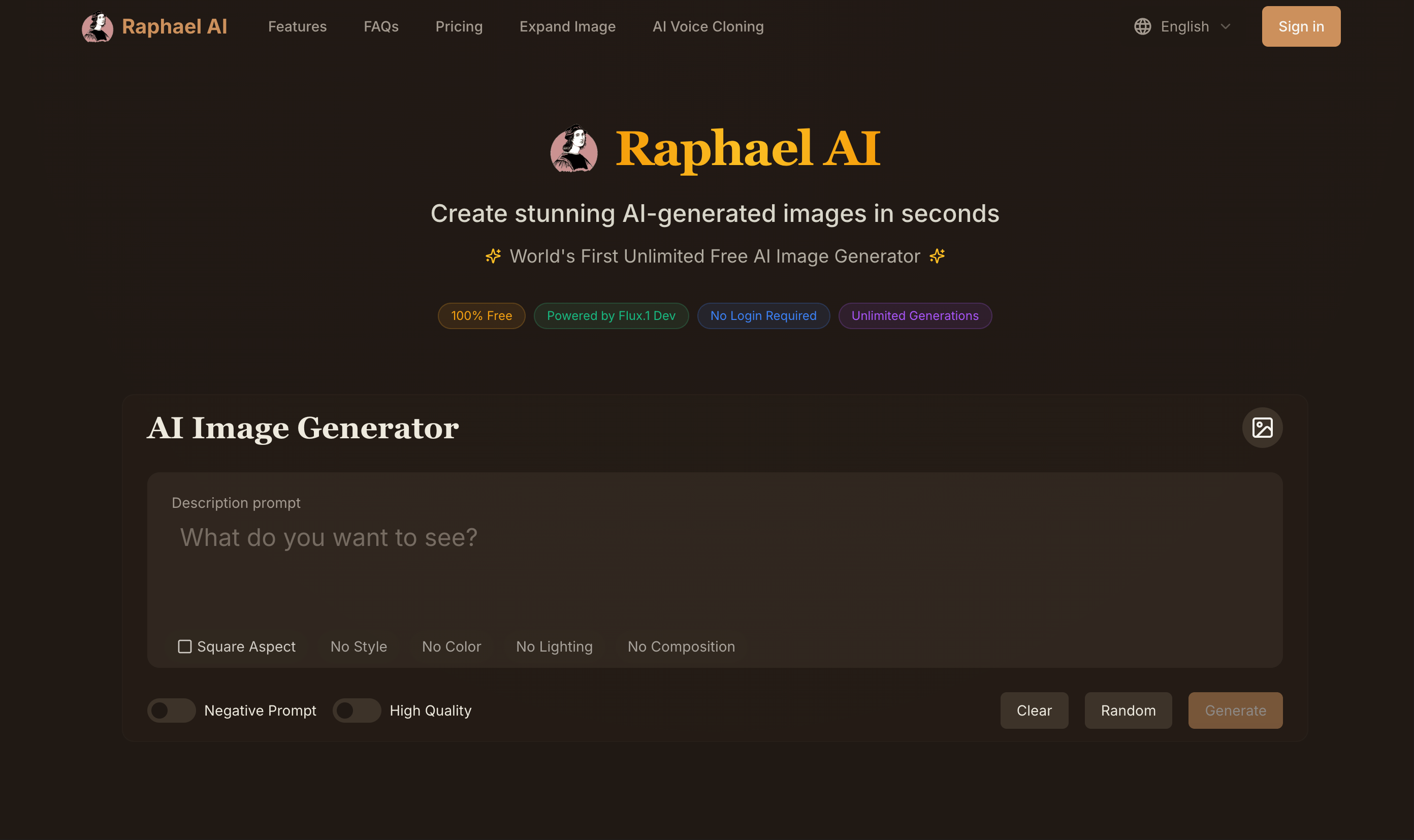
Raphael AI, as it opens in a browser tab.
Not sure how to add Raphael AI to your home screen? Step-by-step for Chrome, Safari, Firefox and Edge — it takes about ten seconds, and there is no app store involved.
Own Raphael AI? Have us re-run this measurement — we open it in a real browser, cut the network, and send you what survived.
How to install Raphael AI as a PWA
Screenshots
Why we recommend Raphael AI
Raphael AI stands out for its intelligent routing system, which dynamically selects optimal AI models like Nano Banana 2 / Pro, Qwen-Image, and Seedream 5.0 based on the scene, ensuring high-quality outputs. This allows users to leverage advanced AI capabilities without needing deep technical knowledge of various models. The platform also expands its utility beyond images to include AI video generation and an AI photo editor, providing a comprehensive creative suite. The immediate availability of a 'free AI video' option and the mention of 'no sign-up needed' for some features make it accessible, encouraging immediate experimentation with generative AI for visual content.
Best use cases
Best for: digital artists and content creators seeking to generate unique images and videos quickly using advanced AI models. It's ideal for users who want to experiment with different AI art styles without managing multiple tools. It also suits individuals looking for an accessible entry point into AI-powered visual content creation, especially with its free offerings for quick projects or concept development.
Honest limitations
While Raphael AI offers a free tier, unlimited generation with certain advanced models like Seedream and MiniMax H3 is tied to selected paid plans, as indicated by 'Limited-time 50% off · Unlimited generation with Seedream, MiniMax H3 on selected plans'. This means continuous or high-volume usage of premium features will require a subscription. The platform is not designed for users exclusively seeking offline functionality, as there's no evidence of service worker support for offline access.
Are you the maker of Raphael AI? Claim this listing →
Similar to Raphael AI
Art Filters is a Progressive Web App that provides a GPU image lab with artist-inspired effects. It allows users to apply tactile filters to images directly within their browser. The app is designed for playful experimentation with visual styles, offering a range of effects for creative image manipulation.

AIProductAds is an AI product ad generator designed to transform a single product photo into various ad-ready videos and product images. It caters to individuals and businesses looking to create visual content for ecommerce and marketing, streamlining the ad creation process.

xAI's chatbot as a genuine PWA — grok.com ships a standalone manifest with a full icon set, so Chrome and Edge offer one-click install into a native-feeling window. Real-time X integration answers questions about events from the last hour, with image generation and reasoning models on a free rate-limited tier.

ReWords AI allows users to edit and replace text directly within images online. It aims to match the original font, style, and background of the text being replaced. This tool is designed for updating text in flat image files like screenshots, posters, or packaging without needing original project files.

Full-featured photo editor in your browser — opens and saves PSD, XCF, Sketch files. Layers, masks, filters, blend modes. A genuinely free Photoshop replacement that needs no install.

Quick Image Converter is a professional online tool for converting images between over 15 formats like JPG, PNG, WebP, HEIC, and AVIF. It offers batch processing, compression, and quality control, supporting quick conversion and download without registration. Optimized for various browsers and devices, it provides a fast and free solution for image transformation.
Own a PWA? See the listing options — standard submission is free.