ReWords AI
In-depth reviewReWords AI allows users to edit and replace text directly within images online. It aims to match the original font, style, and background of the text being replaced. This tool is designed for updating text in flat image files like screenshots, posters, or packaging without needing original project files.
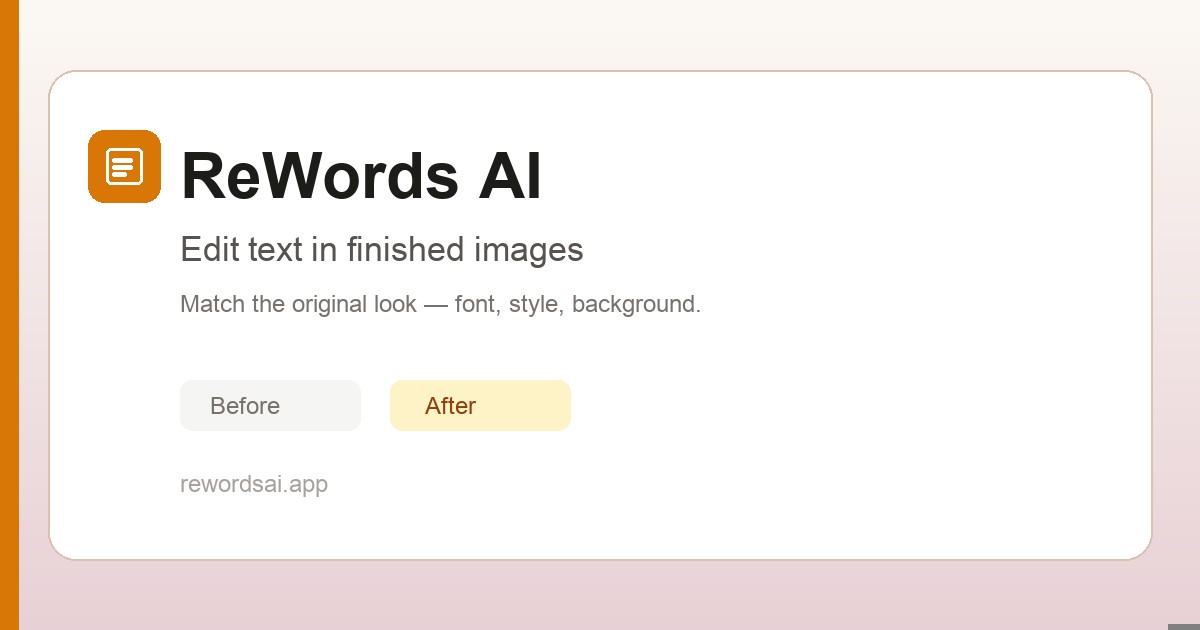
ReWords AI, as it opens in a browser tab.
Not sure how to add ReWords AI to your home screen? Step-by-step for Chrome, Safari, Firefox and Edge — it takes about ten seconds, and there is no app store involved.
Own ReWords AI? Have us re-run this measurement — we open it in a real browser, cut the network, and send you what survived.
How to install ReWords AI as a PWA
Screenshots
Why we recommend ReWords AI
ReWords AI offers a specialized solution for a common problem: editing text in finished images when the original layered file isn't available. Unlike traditional tools like Photoshop or Canva, which require reconstructing layers or manual styling, ReWords AI streamlines the process by allowing direct text selection and replacement within a flattened image. It focuses on matching the original font, size, color, and background, making it particularly useful for quick corrections on screenshots, marketing materials, or product images. Its design targets ease of use for anyone needing to modify embedded text without extensive graphic design skills.
Best use cases
Best for: Quickly updating text in screenshots, social media graphics, or product packaging images. Ideal for marketers, content creators, or anyone needing to correct typos, change dates, or localize text in existing visuals without access to the original design files. It's also suitable for personal use when editing text in photos or memes.
Honest limitations
ReWords AI is not a full-fledged image editor or a substitute for professional graphic design software. Its primary function is text replacement, and while it aims to match styles, results can vary based on image quality, font complexity, and background. New users get a free edit after signing in; however, additional edits, higher resolutions (2K and 4K), and ongoing use require purchasing credits or a subscription, making it a paid service for consistent use.
Are you the maker of ReWords AI? Claim this listing →
Similar to ReWords AI
DocuWrite Pro is an AI-powered online document editor designed for creating and managing text-based content. It offers features for formatting, organizing, and collaborating on documents, suitable for individuals and teams needing a robust writing environment. The app includes notification functionalities and a themable interface.
Art Filters is a Progressive Web App that provides a GPU image lab with artist-inspired effects. It allows users to apply tactile filters to images directly within their browser. The app is designed for playful experimentation with visual styles, offering a range of effects for creative image manipulation.

Full-featured photo editor in your browser — opens and saves PSD, XCF, Sketch files. Layers, masks, filters, blend modes. A genuinely free Photoshop replacement that needs no install.
A Progressive Web App for creating and managing reusable social media post templates stored in the cloud. Users can draft template posts once and keep them synced across sessions, which helps social media managers and creators who repeatedly publish similar content across their accounts.

Bulk image editing in your browser — resize, crop, convert, compress hundreds of images at once. All processing is local, no server uploads. A massive time-saver for content creators.
Generate full video projects from a single prompt using Kapwing. Join over 30 million modern creators who trust Kapwing to create, edit, and grow their content on every channel.
Own a PWA? See the listing options — standard submission is free.