ShushPDF
In-depth reviewShushPDF offers a suite of PDF tools for various document needs. Users can sign, fill forms, compress, and merge PDF files efficiently. The platform emphasizes user privacy by stating that only the user can see their files, making it suitable for handling sensitive documents.
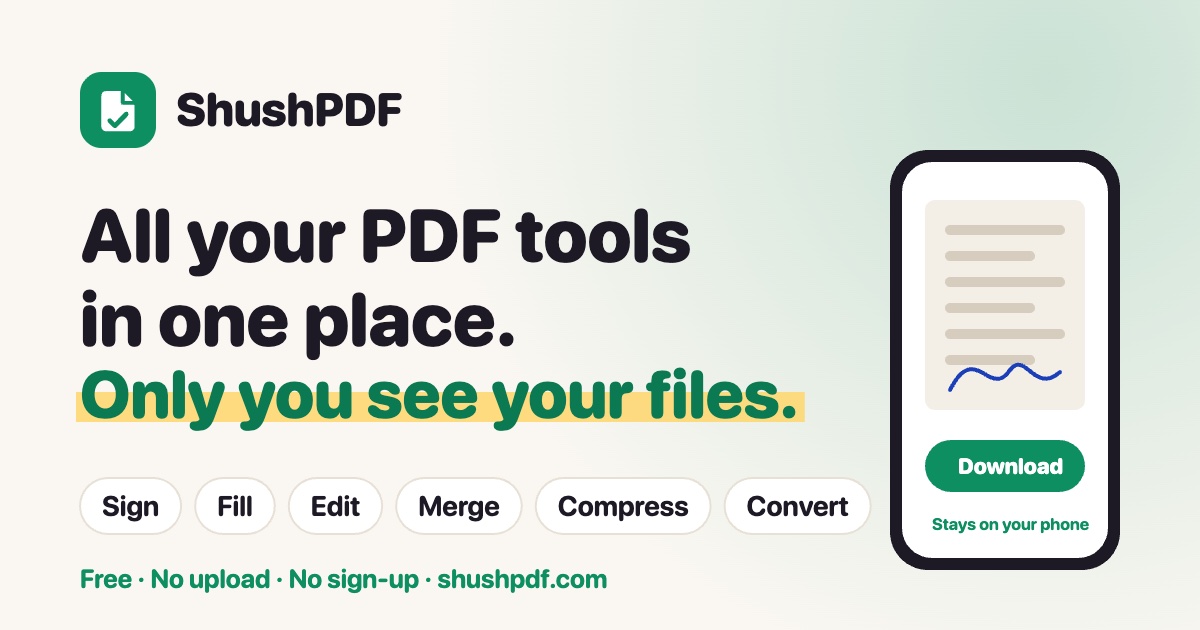
ShushPDF, as it opens in a browser tab.
Not sure how to add ShushPDF to your home screen? Step-by-step for Chrome, Safari, Firefox and Edge — it takes about ten seconds, and there is no app store involved.
Own ShushPDF? Have us re-run this measurement — we open it in a real browser, wait for the service worker, and send you what it cached.
How to install ShushPDF as a PWA
Screenshots
Why we recommend ShushPDF
ShushPDF distinguishes itself by offering essential PDF tools within a single, user-friendly interface. Its core strength lies in its clear commitment to privacy, explicitly stating 'Only You See Your Files,' which is a significant advantage for users dealing with confidential information. The app provides quick access to common PDF operations like signing documents, filling out forms, compressing files to reduce size, and merging multiple PDFs. The clear branding and straightforward functionality make it an accessible solution for everyday document handling without unnecessary complexity or extraneous features.
Best use cases
Best for: Individuals and professionals needing a secure way to manage their PDF documents without third-party access. It's ideal for quickly signing contracts, completing application forms, reducing the size of large PDFs for email or storage, and combining multiple documents into a single file for presentations or archiving.
Honest limitations
ShushPDF is not designed for advanced PDF editing features like text manipulation, image editing within PDFs, or OCR. Its focus is on a specific set of utility functions. While the landing page does not show pricing, the absence of a service worker means it does not offer offline functionality.
Are you the maker of ShushPDF? Claim this listing →
Similar to ShushPDF

ToolVero offers a collection of free, privacy-first browser-based tools for PDF, image, and text tasks. It provides utilities like PDF merging, image compression, text manipulation, and basic calculators, with a focus on client-side processing where practical. No account is required for core tools.
PDFMinty is a privacy-first, browser-based PDF toolkit offering 22 tools for managing documents. Users can merge, split, compress, protect, convert, and edit PDFs directly in their browser. All processing occurs locally, ensuring files remain on your device, making it suitable for sensitive documents.
PDFCheetah offers 20 free online tools for managing PDF files directly in your browser. Users can merge, split, compress, edit, sign, protect, and convert PDFs to or from JPG/PNG formats. It operates without file uploads, account creation, or daily limits, ensuring your documents remain on your device.

Fusion Office offers a free workspace with 75 online tools for editing, converting, compressing, merging, splitting, signing, and protecting PDFs. It also provides tools for Word, Excel, and PowerPoint files, alongside image resizing and compression. Many tools run directly in your browser, ensuring files remain on your device without requiring sign-up.

ApriP7M is a web application for opening and viewing digitally signed P7M, M7M, TSD, and XML (electronic invoice) files. It extracts the original document, displays signer information, and renders electronic invoices in a readable format directly within your browser, ensuring files remain on your device.

FileTools Kit provides in-browser tools for merging and splitting PDFs, converting images, and generating resume PDFs. Files remain in your browser tab, ensuring privacy. It offers a suite of utilities including QR code generation, SVG conversion, and hash calculations.
Own a PWA? See the listing options — standard submission is free.