SoundSlice
In-depth reviewLiving sheet music synced to audio and video. Slow down recordings, loop sections, and follow along with interactive notation. Used by musicians to learn songs by ear.
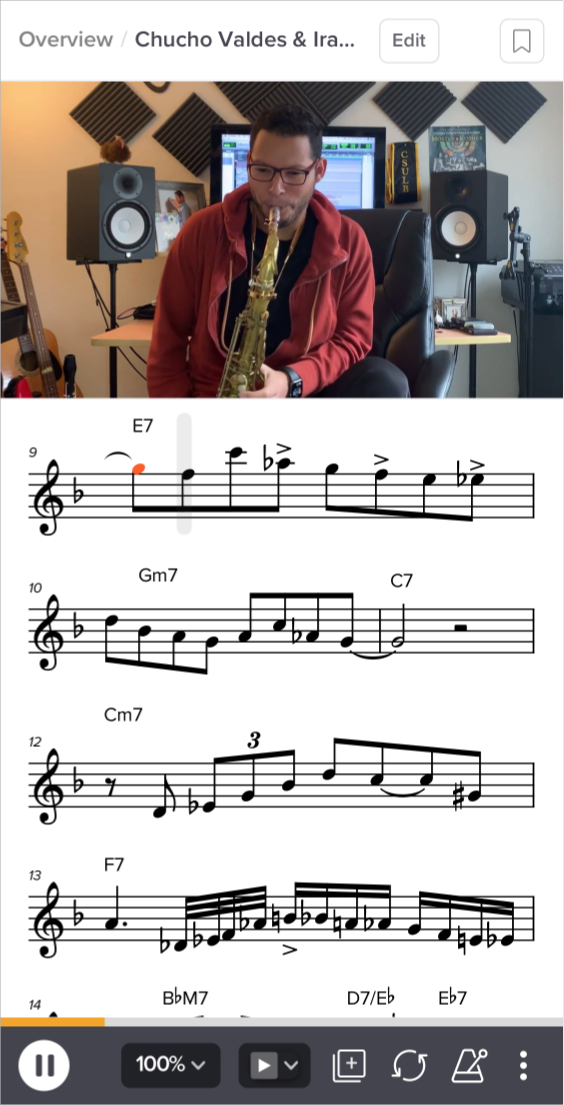
SoundSlice, as it opens in a browser tab.
Not sure how to add SoundSlice to your home screen? Step-by-step for Chrome, Safari, Firefox and Edge — it takes about ten seconds, and there is no app store involved.
Own SoundSlice? Have us re-run this measurement — we open it in a real browser, cut the network, and send you what survived.
How to install SoundSlice as a PWA
Screenshots
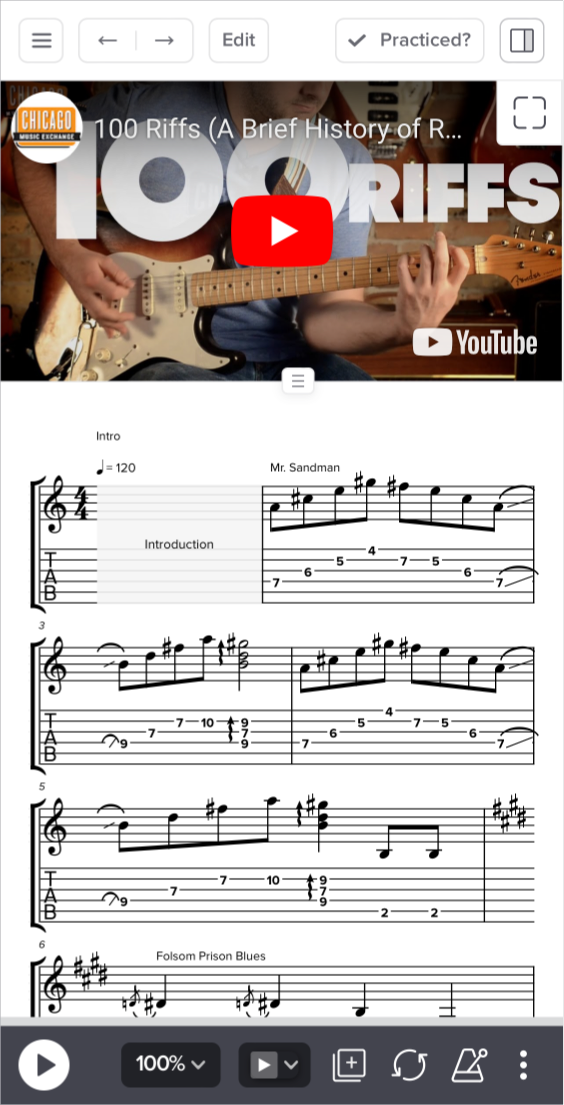
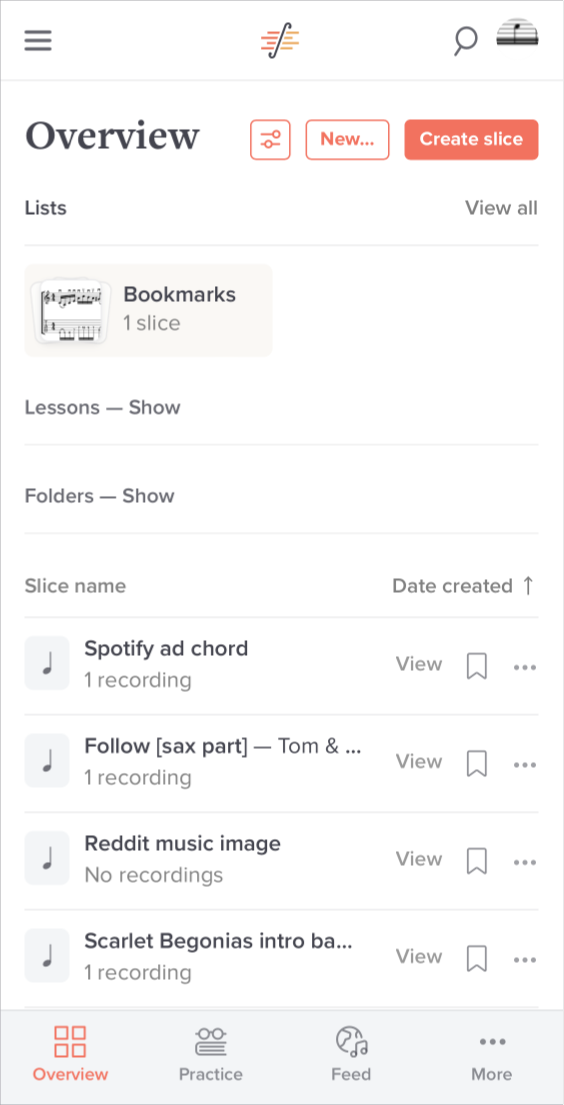
4 images · scroll →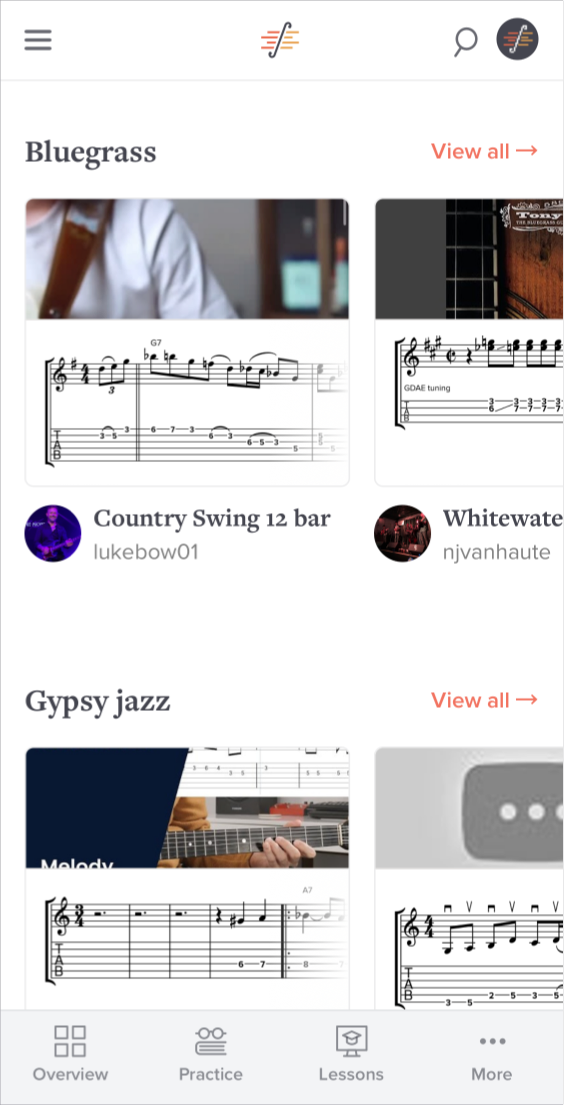
Why we recommend SoundSlice
Learning a piece from a recording means constantly rewinding to the same four bars, and learning it from sheet music means guessing how it should actually sound. SoundSlice removes the gap by locking notation to audio or video: the score scrolls with the recording, the notes light up as they are played, and you can slow a passage to half speed without the pitch dropping. Loop the two bars that defeat you and play them thirty times at 60 % speed until they stop being hard. It is the closest thing to having the performer stop and repeat the bit you missed — and it runs in a browser, on the phone propped against the music stand.
Best use cases
Working out a guitar solo from the original recording rather than an approximate tab. Practising a jazz standard with the changes visible over the actual audio. Teachers assigning a passage at a specific tempo and knowing the student sees exactly the same score. Transcribing by ear with the notation editor open next to the waveform. Anyone who has ever tried to learn something from a YouTube video and lost the place for the fifteenth time.
Honest limitations
The free tier lets you play and study existing slices; creating and hosting your own catalogue is a paid plan, and the useful limits sit behind it. The synchronisation between notation and audio has to be created — a recording you upload does not align itself, and doing it by hand takes patience on a long piece. Offline use is partial: the app shell loads without a connection, but the audio and video streams do not, so it is not a practice tool for a plane. And the catalogue is only as good as what publishers and users have put in it — obscure repertoire may simply not be there.
Are you the maker of SoundSlice? Claim this listing →
Similar to SoundSlice

Tabsong is a free online Guitar Pro player with a real-time fretboard. It allows users to view, practice, and interact with guitar tablature files. You can open local files, drag and drop supported formats, or browse a curated directory of high-quality transcriptions for various songs. It’s designed to help musicians learn their favorite songs faster.
YouTube slow-downer for musicians. Paste a YouTube URL, loop any section, and adjust playback speed without pitch shift. Essential for learning songs by ear. Pitch is preserved when slowing playback, so a passage stays in the same key while you learn the fingering.

An open-source remote control for the odio audio system that discovers and controls audio nodes on your local network. It shows real-time playback status, switches between multiple nodes, installs as a PWA, and requires no account while collecting no telemetry.

Ongaku Music is a web app for listening to music online. It offers a browser-based player for streaming tracks without installing a native application, aimed at casual listeners who want a simple way to play music on any device with a web browser and an internet connection.
pody.fm helps users discover engaging conversational podcasts on various topics. It offers personalized audio content designed to fit individual interests and learning goals, transforming the learning journey through audio. Users can explore and learn across different subjects.
Al Quran Islam provides a platform to read, listen to, and reflect on the Quran. It features all 114 surahs, individual surah pages, and options to listen to recitations. Users can explore verses, utilize a repeat function for memorization, and set reading reminders, offering a comprehensive Quranic experience.
Own a PWA? See the listing options — standard submission is free.