Xprite
In-depth reviewXprite is a browser-based pixel art editor and sprite animation tool. It allows users to create sprites, edit layers and animation frames, and work with .ase/.aseprite project files. The app supports mouse, touch, and stylus input for drawing and offers a customizable workspace for creative tasks.
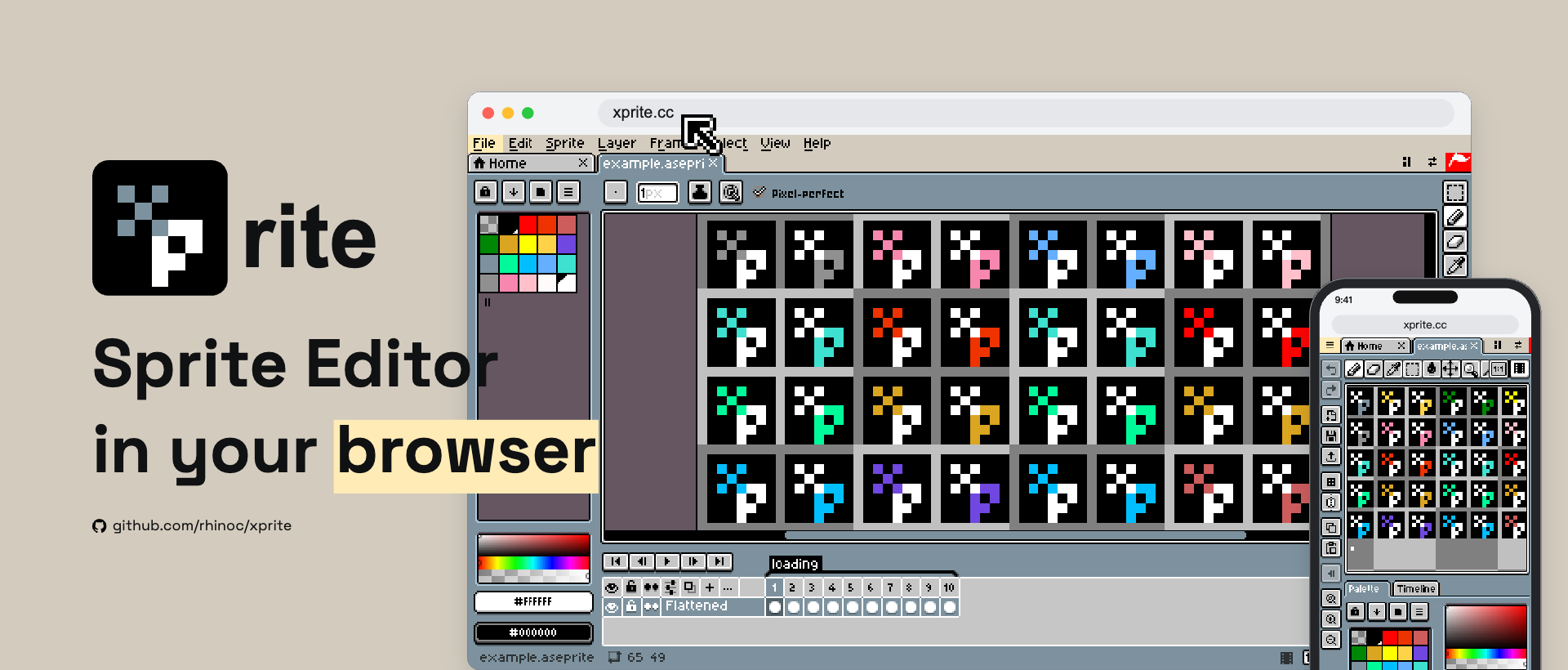
Xprite, as it opens in a browser tab.
Not sure how to add Xprite to your home screen? Step-by-step for Chrome, Safari, Firefox and Edge — it takes about ten seconds, and there is no app store involved.
Own Xprite? Have us re-run this measurement — we open it in a real browser, cut the network, and send you what survived.
How to install Xprite as a PWA
Screenshots
Why we recommend Xprite
Xprite earns a recommendation for its comprehensive feature set for pixel art creation directly within a web browser. It allows users to open and save .ase and .aseprite projects, offering compatibility with Aseprite files across various devices. The app provides tools like pencils, fills, gradients, shapes, selections, and custom brushes, alongside organizational features such as layers and frame-by-frame animation with tags and onion skin. Its support for mouse, touch, and pen input, coupled with a customizable workspace through movable, resizable, and dockable panels, enhances user experience and workflow flexibility. Additionally, the app emphasizes user privacy by storing artwork on the user's device, without requiring an account or subscription.
Best use cases
Best for: Digital artists and game developers who need a versatile, free tool for creating pixel art and animations on the go or without installing desktop software. It's ideal for those who frequently work with .ase/.aseprite files and prefer a browser-based solution that integrates well with touchscreens and styluses. It also suits users looking to build tilemaps for game levels or record their drawing processes.
Honest limitations
Xprite requires JavaScript to start, so users must ensure JavaScript is enabled in their browser. While it offers extensive features for pixel art, it is not affiliated with Aseprite or Igara Studio. The application does not currently demonstrate service worker functionality for offline use, meaning a persistent internet connection may be necessary for initial loading and consistent operation.
Are you the maker of Xprite? Claim this listing →
Similar to Xprite
A free, open-source watermark remover for AI-generated images and short videos, targeting marks left by tools like Gemini, DALL-E, Midjourney, and Firefly. The removal model runs entirely in your browser, so nothing is uploaded and no account is needed, and it works offline.

A free, open-source note-taking web app for creating and managing notes, in the spirit of Simplenote. It is simple to use, works offline, and because it runs in the browser you can use it across all your devices. Good for lightweight notes without vendor lock-in.
A free, ad-free, open-source, general-purpose math calculator that runs in the web browser. Hasap focuses on user-friendliness for real-life calculations, making it suitable for everyday users who want an approachable web alternative to their device's built-in calculator app.

Full-featured photo editor in your browser — opens and saves PSD, XCF, Sketch files. Layers, masks, filters, blend modes. A genuinely free Photoshop replacement that needs no install.

MangaTranslate is an AI-powered PWA for translating text within manga images. It recognizes characters, translates dialogue, removes original text, and places the translated text into reviewable images directly in your browser. Upload JPG, PNG, or WEBP images to start translating.

SilveOS is a free, cross-platform web operating system that runs entirely in the browser. It provides a Windows-like desktop environment with a start menu, system settings, calculator, terminal, and rich text editor. Built as a progressive web app, it works on desktop and mobile without installation. Features include file management, theme and wallpaper customization, and support for running apps within the browser-based desktop interface.
Own a PWA? See the listing options — standard submission is free.