OpenFile
In-depth reviewOpenFile provides free tools for managing various file types directly in your browser. It supports PDFs, images, video, audio, and developer-oriented files. The application allows users to open or share files directly into it, operating on your device for privacy.
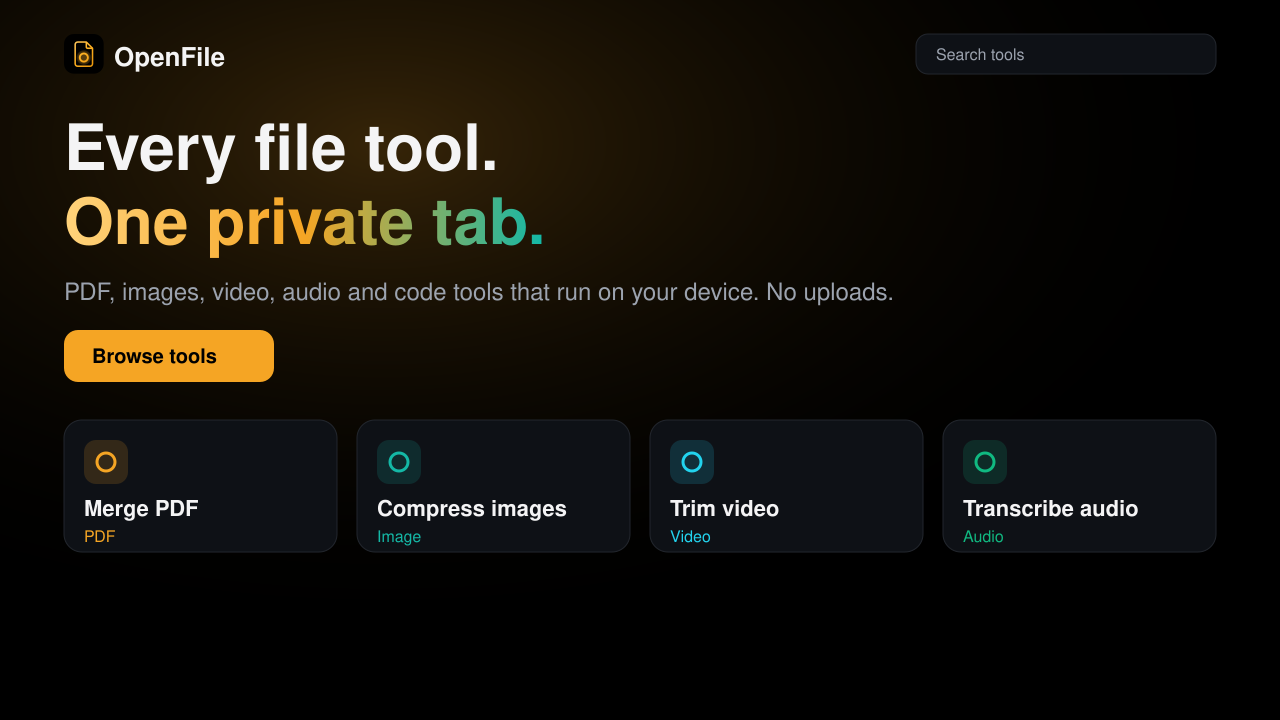
OpenFile, as it opens in a browser tab.
Not sure how to add OpenFile to your home screen? Step-by-step for Chrome, Safari, Firefox and Edge — it takes about ten seconds, and there is no app store involved.
Own OpenFile? Have us re-run this measurement — we open it in a real browser, wait for the service worker, and send you what it cached.
How to install OpenFile as a PWA
Screenshots
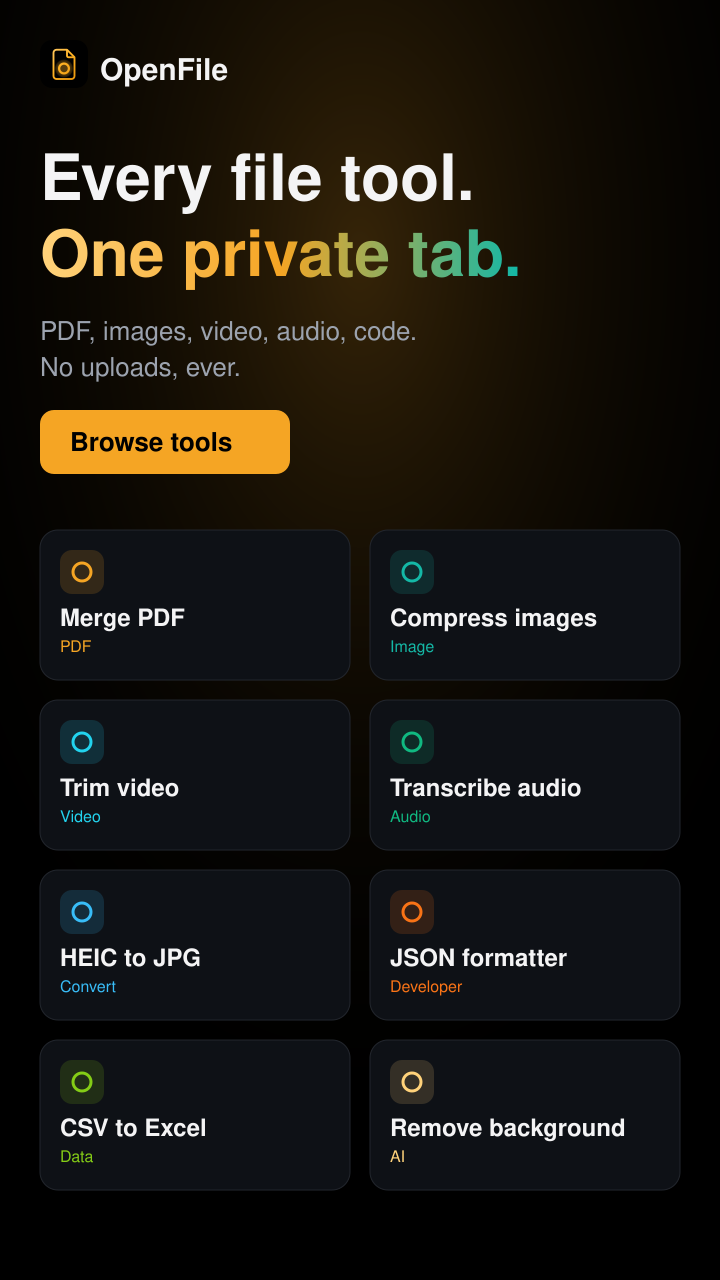
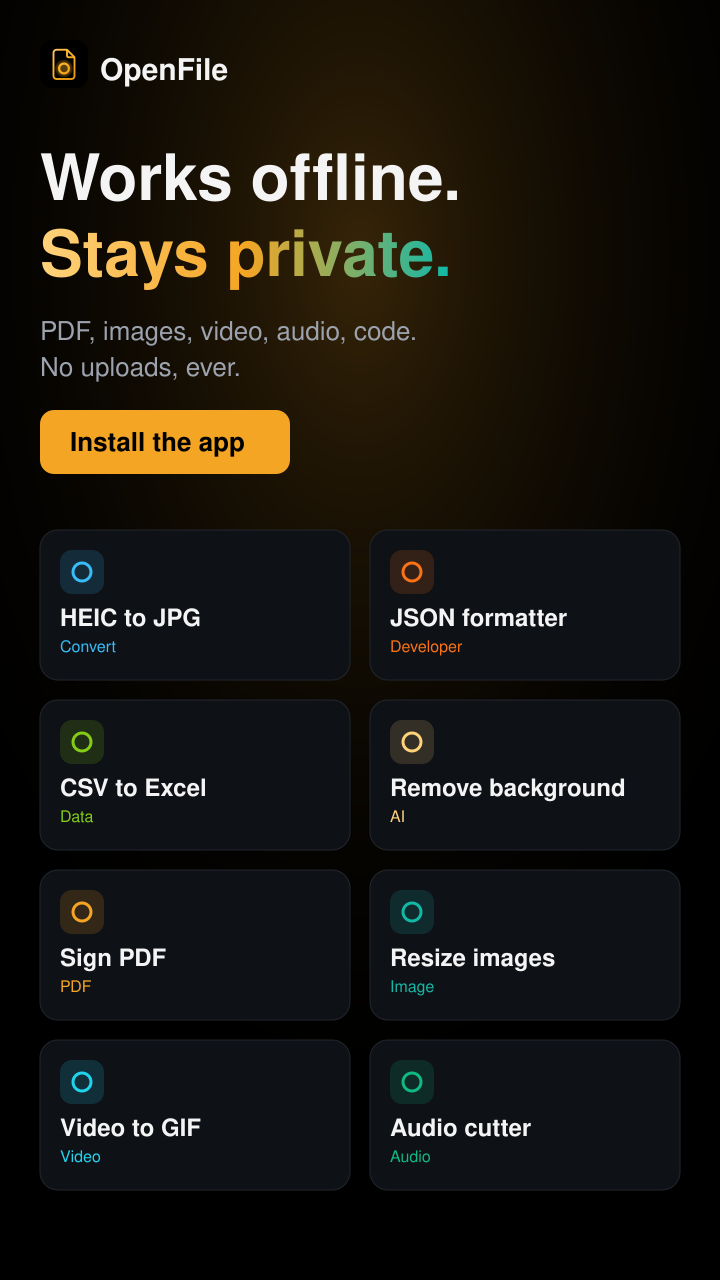
4 images · scroll →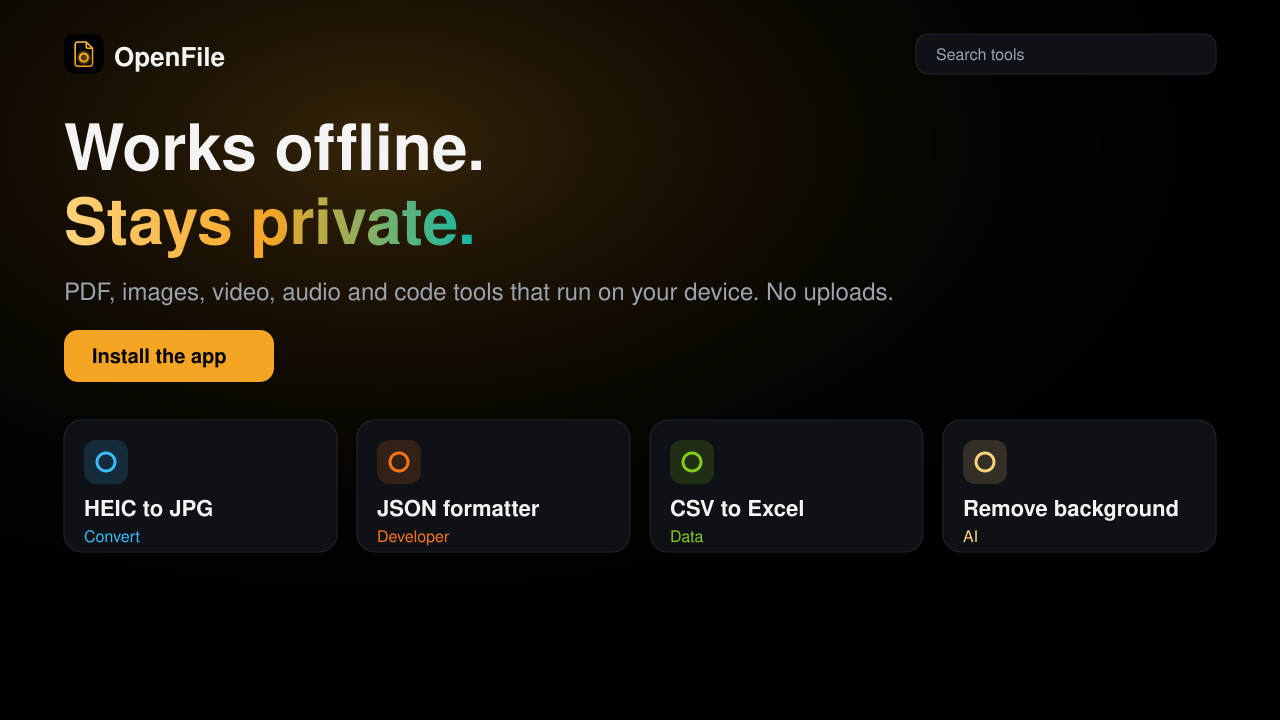
Why we recommend OpenFile
OpenFile distinguishes itself by offering a suite of file management tools that run entirely within the user's browser, prioritizing privacy by processing files on the device. Its broad support for various file types, including PDF, images, video, and audio, makes it a versatile utility. For developers, it also handles text, JSON, and archive files. The application is designed to integrate seamlessly with the user's workflow, allowing files to be opened or shared directly into OpenFile. Its 'standalone' display mode suggests an app-like experience within the browser environment, enhancing usability for frequent tasks.
Best use cases
Best for: Individuals needing quick and private tools for common file operations without uploading data to external servers. Ideal for students and professionals working with PDFs, images, and media who value on-device processing. Also suitable for developers who require browser-based tools for inspecting text, JSON, or archive files, and for anyone wanting to open or share files directly into a dedicated PWA for quick processing.
Honest limitations
OpenFile is not for users requiring advanced, professional-grade desktop software features for complex video editing, graphic design, or document layout. While it offers a range of tools, its functionality is grounded in browser capabilities. The lack of service worker evidence means it cannot guarantee full offline functionality across all features, making it potentially less suitable for environments with unreliable internet access where continuous operation is critical.
Are you the maker of OpenFile? Claim this listing →
Is OpenFile yours? Add the “Listed on” badge
Optional, and it changes nothing about the listing. Paste it in your README or your site’s footer.

[](https://pwa.directory/directory/openfile)
<a href="https://pwa.directory/directory/openfile"><img src="https://pwa.directory/badge.svg" alt="Listed on pwa.directory" width="167" height="20"></a>
Similar to OpenFile

Fusion Office offers a free workspace with 75 online tools for editing, converting, compressing, merging, splitting, signing, and protecting PDFs. It also provides tools for Word, Excel, and PowerPoint files, alongside image resizing and compression. Many tools run directly in your browser, ensuring files remain on your device without requiring sign-up.

ToolVero offers a collection of free, privacy-first browser-based tools for PDF, image, and text tasks. It provides utilities like PDF merging, image compression, text manipulation, and basic calculators, with a focus on client-side processing where practical. No account is required for core tools.
PDFMinty is a privacy-first, browser-based PDF toolkit offering 22 tools for managing documents. Users can merge, split, compress, protect, convert, and edit PDFs directly in their browser. All processing occurs locally, ensuring files remain on your device, making it suitable for sensitive documents.

Free online audio editor. Cut, trim, and apply effects to audio files directly in your browser without uploading to a server. Supports MP3, WAV, OGG. Privacy-respecting.
The internet's GIF workbench since forever — make, resize, crop, optimise, reverse and caption GIFs, convert video to GIF and back, and tweak APNG and WebP, all free with no account. ezgif.com ships a standalone manifest with a full icon set, so it installs as a quick-access media tool from the browser.

ShushPDF offers a suite of PDF tools for various document needs. Users can sign, fill forms, compress, and merge PDF files efficiently. The platform emphasizes user privacy by stating that only the user can see their files, making it suitable for handling sensitive documents.
You built it. Let’s get it found.
Submit it to the directory and reach developers and users looking for exactly this.
Standard submission is free →