PDF to MD Converter
In-depth reviewpdftomd.tools is a free, in-browser tool for converting text-based PDFs to Markdown and vice-versa. It processes files locally, ensuring privacy, and extracts headings, lists, and tables. No account is required for basic conversions.
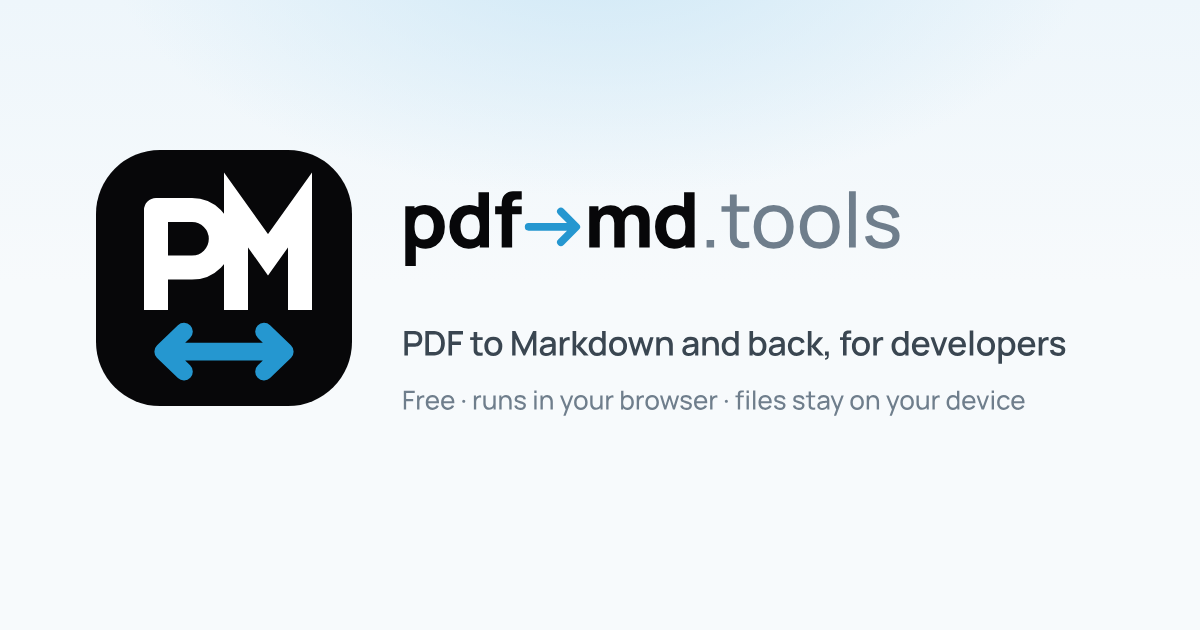
PDF to MD Converter, as it opens in a browser tab.
Not sure how to add PDF to MD Converter to your home screen? Step-by-step for Chrome, Safari, Firefox and Edge — it takes about ten seconds, and there is no app store involved.
Own PDF to MD Converter? Have us re-run this measurement — we open it in a real browser, wait for the service worker, and send you what it cached.
How to install PDF to MD Converter as a PWA
Screenshots
Why we recommend PDF to MD Converter
PDF to MD Converter is a practical tool for anyone needing to transform text-based PDFs into editable Markdown. Its key strength lies in its privacy-first approach: all conversions happen directly in your browser, meaning files are never uploaded to servers. This makes it ideal for handling sensitive documents. The tool is capable of preserving common document structures like headings, lists, and even GFM pipe tables, which is a significant advantage for maintaining document integrity. It's built with Mozilla's pdf.js, indicating a commitment to leveraging established open-source technology. The straightforward interface allows users to drag and drop files, preview Markdown, and then copy or download the output, streamlining the workflow for quick document handoffs.
Best use cases
Best for: Developers and writers who need to quickly extract editable Markdown from PDFs for documentation, READMEs, or wikis. Users looking to convert notes or document drafts into a version-controllable format. Individuals requiring a private, in-browser solution for converting text-heavy PDFs without uploading sensitive data. Those who frequently interchange between PDF and Markdown for various projects and prefer a no-account, free utility.
Honest limitations
This tool is not designed for scanned PDF documents; it requires PDFs with an accessible text layer. It does not perform Optical Character Recognition (OCR), so image-only scans will not yield reliable Markdown output. While it handles common layouts well, complex PDF layouts may require some manual cleanup in the resulting Markdown. It is primarily a conversion utility and does not offer advanced PDF editing capabilities.
Are you the maker of PDF to MD Converter? Claim this listing →
Similar to PDF to MD Converter

Convert JPG and PNG images to PDF format directly in your browser. This Progressive Web App processes files on-device, ensuring privacy by avoiding uploads. It offers features like merging multiple images, adjustable quality, and various page sizes for efficient document creation.

ConvertOP is a universal file converter for images, PDFs, audio, and more. It is a free tool that operates entirely within your browser, designed for fast file format conversions without needing software downloads. Users can convert various file types with ease.

TextCompare is a free online diff checker that instantly compares two texts and highlights every difference. It operates entirely in your browser, ensuring privacy as nothing is uploaded or stored. It supports comparison by line, word, or character, and can handle various file types like Word, PDF, and Excel.
DocuCraft offers a suite of private, browser-based tools for managing PDF documents. It provides various utilities and conversion functionalities directly within your web browser, designed for users needing straightforward document handling without server-side processing.
KeyboardAnalyzer is a comprehensive online tool for testing keyboard and mouse functionality. It allows users to check individual key registrations, measure typing speed, analyze key ghosting, and detect performance issues like chatter and latency. The platform also offers various mouse tests, including CPS click, double-click, and polling rate analysis, all accessible directly within the browser without any downloads.

TrickyBird is a free web proxy that allows users to open blocked websites directly in their browser tab without installing any software or requiring an account. It fetches sites through its servers, keeping the destination domain out of the URL bar and offering private browsing in over 130 countries.
Own a PWA? See the listing options — standard submission is free.