Word Counter
Copy and paste your text into the online editor to count its words and characters, check keyword density, and correct writing mistakes. Bookmark it now, it’s free and easy.
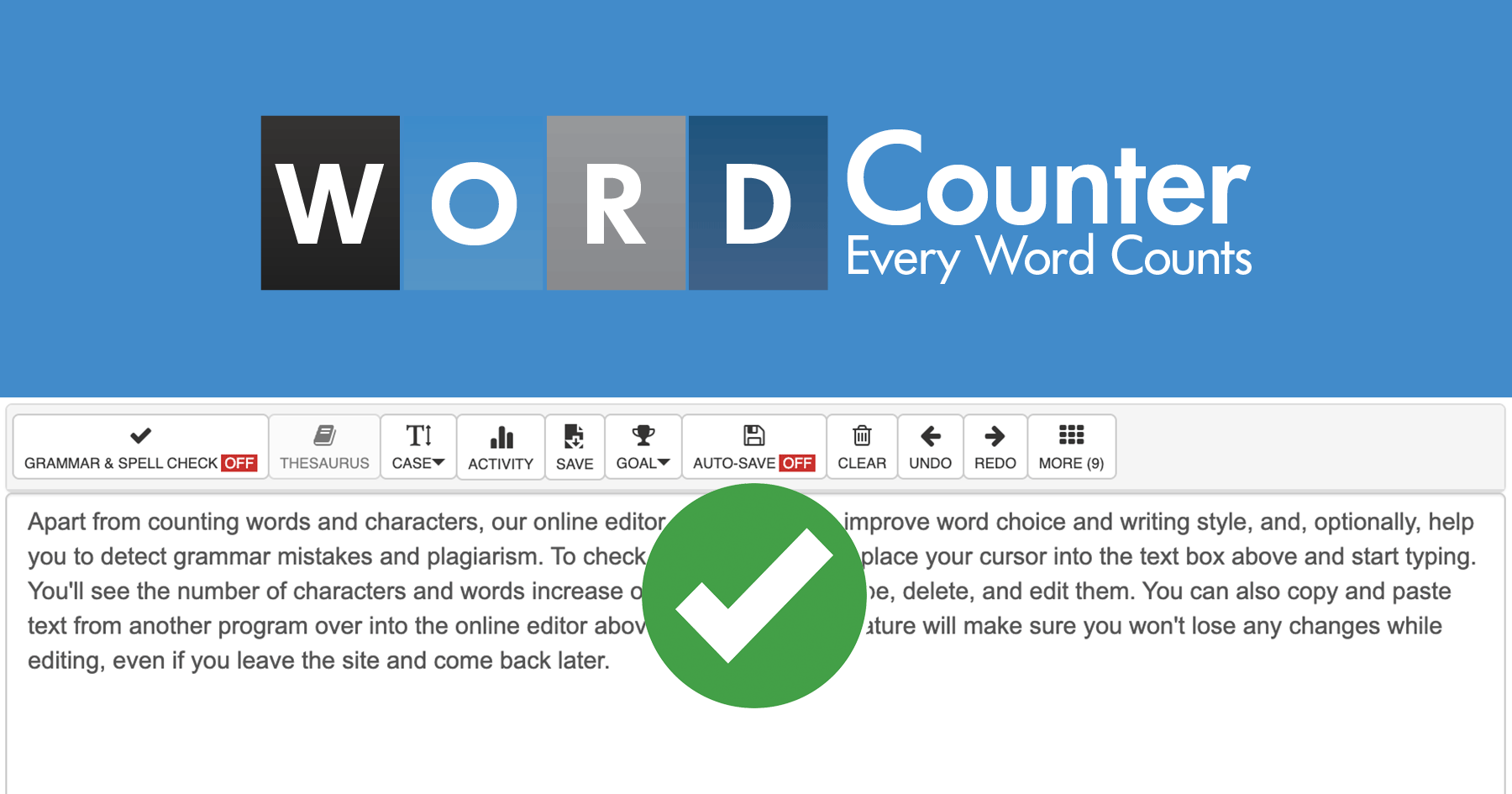
Word Counter, as it opens in a browser tab.
Not sure how to add Word Counter to your home screen? Step-by-step for Chrome, Safari, Firefox and Edge — it takes about ten seconds, and there is no app store involved.
Own Word Counter? Have us re-run this measurement — we open it in a real browser, cut the network, and send you what survived.
How to install Word Counter as a PWA
Screenshots
Are you the maker of Word Counter? Claim this listing →
Similar to Word Counter

A single-purpose counter application for tallying anything you need to count, such as repetitions, attendees, or inventory items. Built as a Progressive Web App, it deliberately does nothing beyond incrementing and tracking counts, making it useful for anyone wanting a no-frills tally counter.

Nomber is a minimalist daily progression tracker built as a simple tap counter: one number, advanced one day at a time. It suits people counting reps, habits, or daily occurrences who want a distraction-free tally instead of a full habit-tracking app.

A text utility for counting words and characters, converting between uppercase and lowercase, removing extra spaces, copying results to the clipboard, and estimating reading time. Useful for writers, students, and editors who need quick text statistics in the browser.

The personal website of Justin Ribeiro, a web developer, open-source coder, and film photographer. It collects his writing and stories about the open web, photography, darkroom printing, and the projects he builds, for readers interested in web technology and analog photography.

A Markdown editor that opens and saves files directly on your device, built as a demo of the browser's File System Access API. Useful for writers who want to edit local Markdown documents in a browser, and for developers studying how the API handles local file workflows.

Open-source grammar and style checker for 20+ languages. The privacy-respecting Grammarly alternative with a browser extension and web app. Your text isn't used for AI training.
Own a PWA? See the listing options — standard submission is free.