Imgkits
In-depth reviewImgkits is an AI-powered platform for online image and video processing. It provides tools for generating, editing, enhancing, and restoring visuals. Users can generate images from text, remove backgrounds, enhance photo clarity, and upscale images. It's designed for teams and creators, offering a range of AI tools to transform visual content.
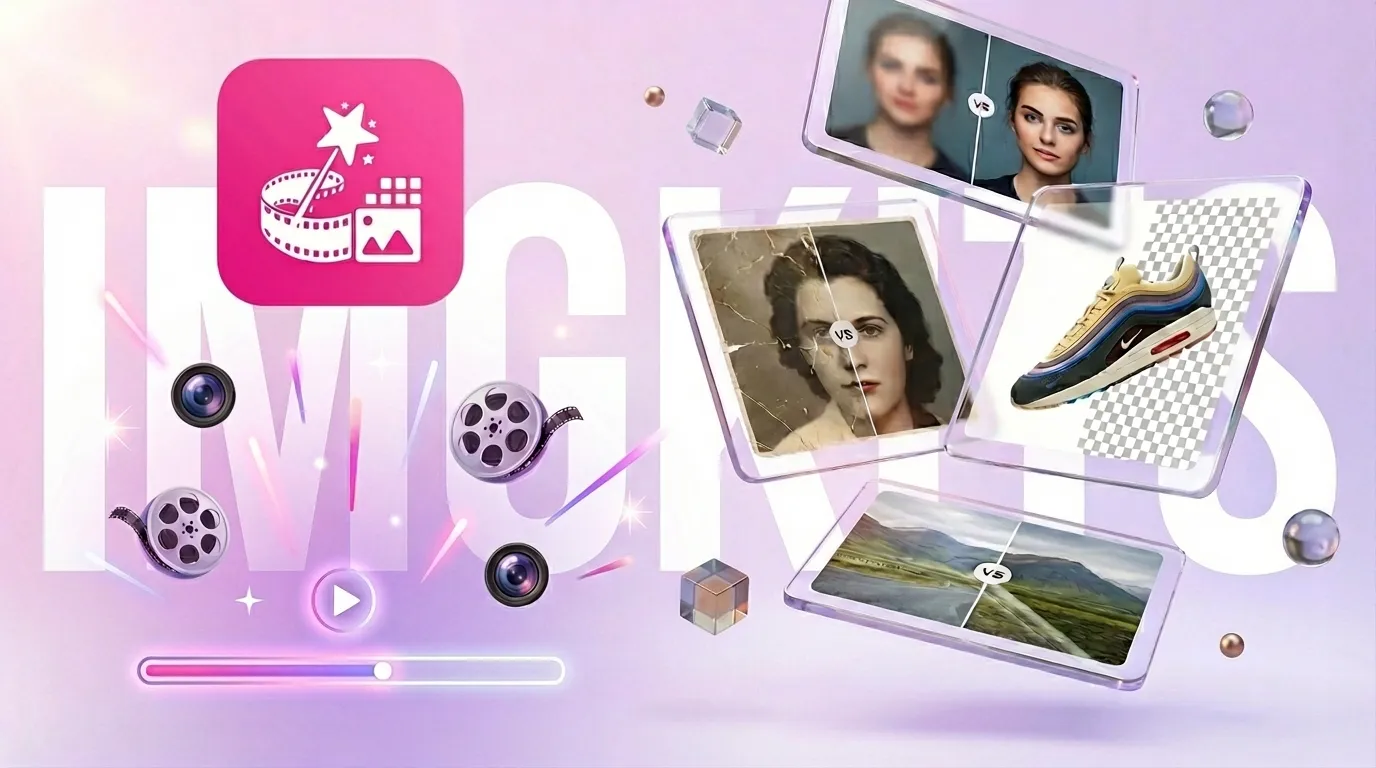
Imgkits, as it opens in a browser tab.
Not sure how to add Imgkits to your home screen? Step-by-step for Chrome, Safari, Firefox and Edge — it takes about ten seconds, and there is no app store involved.
Own Imgkits? Have us re-run this measurement — we open it in a real browser, wait for the service worker, and send you what it cached.
How to install Imgkits as a PWA
Screenshots
Why we recommend Imgkits
Imgkits earns a recommendation for its comprehensive suite of AI-driven image and video processing tools, all accessible directly through a web browser. Users can leverage capabilities like AI Image Generation to create visuals from text prompts, or use the AI Image Editor for natural-language-based edits. Specific tools such as Background Remover, AI Photo Enhancer, and Image Upscaler offer practical solutions for common visual tasks. The platform also offers video tools, including 'Image to Video' animation. Its accessibility via any web browser eliminates the need for software installation, making it a convenient option for quick and effective visual transformations.
Best use cases
Best for: Creative professionals and teams needing a robust, browser-based solution for AI image and video editing. Ideal for generating marketing visuals, enhancing product photos, or restoring old images. Content creators can use it to animate still images or quickly remove backgrounds for compositing. Also suitable for individuals looking to experiment with AI art generation or upscale low-resolution photos for improved clarity and detail.
Honest limitations
Imgkits is not suitable for users seeking a fully free, unlimited service, as it operates on a 'limited free access' model followed by paid plans. While it offers a wide range of AI tools, users requiring highly specialized or professional-grade desktop video editing software might find its browser-based nature limiting. It's also not for users who need offline functionality, as service worker evidence indicates no offline support.
Are you the maker of Imgkits? Claim this listing →
Is Imgkits yours? Add the “Listed on” badge
Optional, and it changes nothing about the listing. Paste it in your README or your site’s footer.

[](https://pwa.directory/directory/imgkits)
<a href="https://pwa.directory/directory/imgkits"><img src="https://pwa.directory/badge.svg" alt="Listed on pwa.directory" width="167" height="20"></a>
Similar to Imgkits

Bimg AI is an all-in-one AI creative platform for image editing and AI video generation. It supports AI image upscaling, background removal, old photo restoration, and unblurring. The platform also features multiple AI models for image generation and editing, alongside various AI video creation tools.
A free, open-source watermark remover for AI-generated images and short videos, targeting marks left by tools like Gemini, DALL-E, Midjourney, and Firefly. The removal model runs entirely in your browser, so nothing is uploaded and no account is needed, and it works offline.

FaceSwapAI is a browser-based AI tool for swapping faces in photos, group photos, videos, and GIFs. It offers HD output with no watermarks, alongside AI image editing, upscaling, and other AI-powered features for a wide audience.

Visual Maker AI is an AI visual creator for images and video. It allows users to generate images, cinematic videos, and story-driven film projects from prompts, reference images, and curated examples using modern AI models. It offers an all-in-one creative workflow for creators and teams.
Chrom8 provides instant cinematic photo grading, allowing users to adjust the vibe of their images. It functions as a tool for quick photo enhancement, focusing on visual style. The application helps users achieve desired aesthetic effects with a simple interface, as indicated by its description.

Raphael AI is a free AI image generator that routes requests intelligently to select the best model for each scene, including Nano Banana 2 / Pro, Qwen-Image, and Seedream 5.0. It also offers AI video generation and a photo editor, catering to users looking for creative image and video content. The platform highlights unlimited generation capabilities on selected plans.
Own a PWA? See the listing options — standard submission is free.