PdfWord
In-depth reviewPdfWord offers 61 free PDF and AI tools online, enabling users to merge, split, compress, convert, and eSign documents. It operates without requiring signup or adding watermarks, ensuring files remain on your device for privacy. The app provides a comprehensive suite for various PDF manipulations.
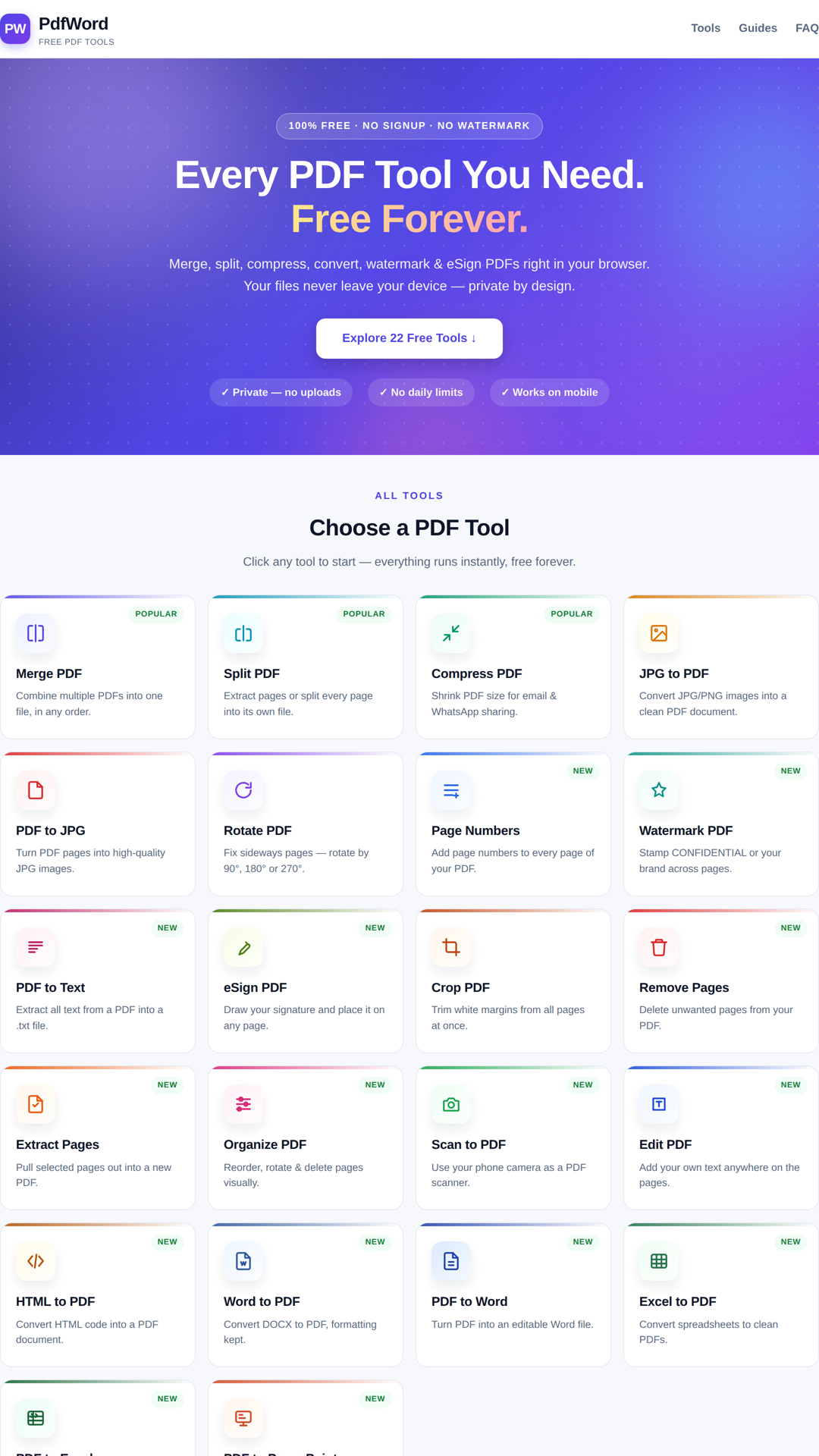
PdfWord, as it opens in a browser tab.
Not sure how to add PdfWord to your home screen? Step-by-step for Chrome, Safari, Firefox and Edge — it takes about ten seconds, and there is no app store involved.
Own PdfWord? Have us re-run this measurement — we open it in a real browser, cut the network, and send you what survived.
How to install PdfWord as a PWA
Screenshots
2 images · scroll →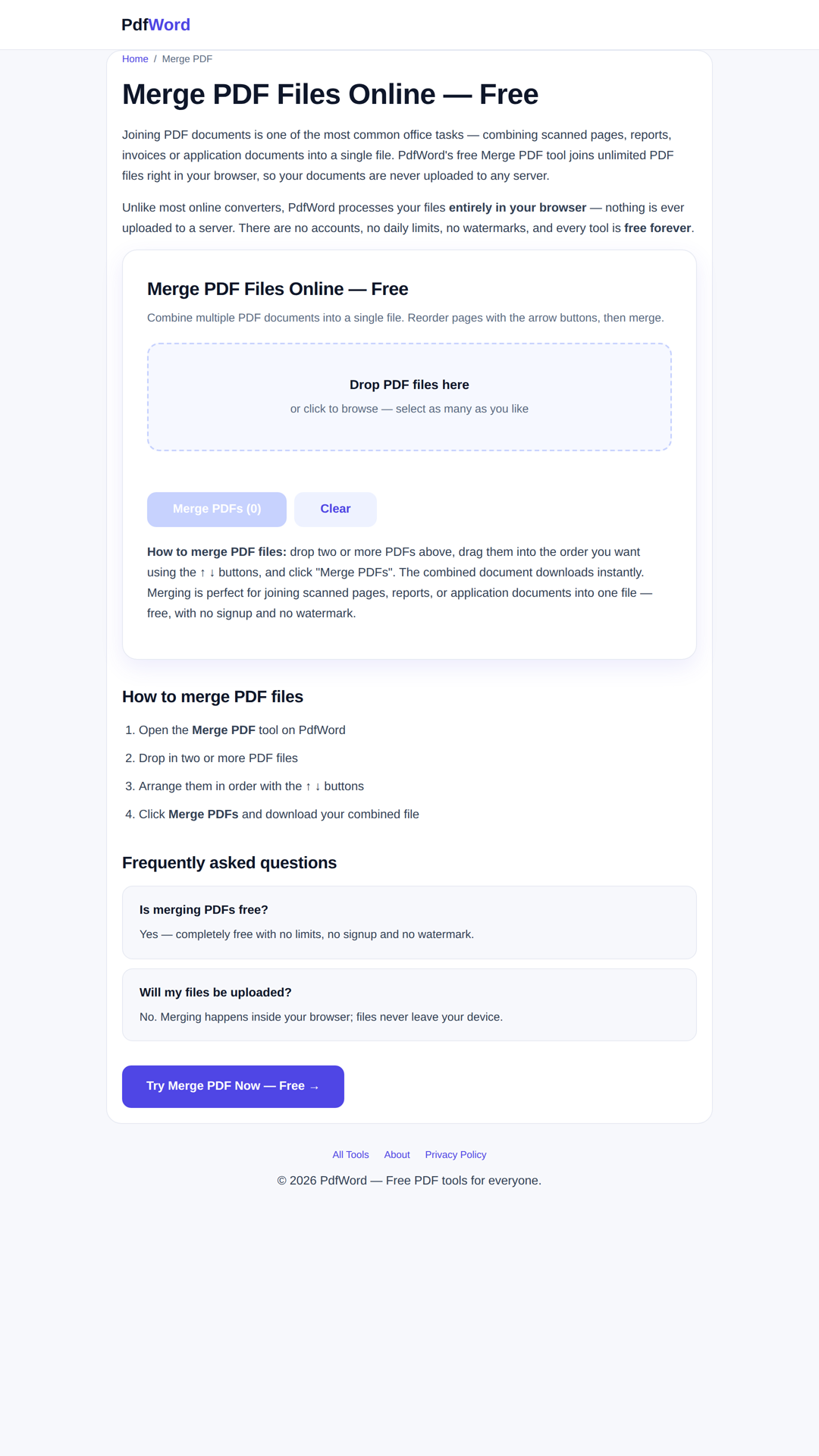
Why we recommend PdfWord
PdfWord stands out for its extensive collection of 61 free PDF and AI tools, directly accessible in your browser. A key advantage is its commitment to privacy, explicitly stating that files never leave your device. This, combined with the absence of signup requirements and watermarks, makes it a highly appealing option for quick and secure PDF management. The inclusion of shortcuts for common tasks like 'Merge PDF', 'Compress PDF', and 'PDF to Word' streamlines the user experience. Its dark mode support (visible in the landing page CSS) and the ability to be installed as a PWA further enhance usability and accessibility.
Best use cases
Best for: Individuals needing to quickly manipulate PDF documents without installing software or worrying about data privacy. Ideal for students, professionals, or anyone who frequently merges, splits, compresses, or converts PDF files on the go. It's particularly useful for users who prefer not to create accounts or deal with watermarked outputs for their document edits.
Honest limitations
While PdfWord offers a broad range of features, its online-first nature means it is not designed for offline, power-user PDF editing workflows. It is not suitable for complex document design or advanced PDF security features beyond basic eSigning. The 'AI Tools' mentioned in the description are not detailed on the landing page, so users should not expect advanced AI capabilities without further exploration.
Are you the maker of PdfWord? Claim this listing →
Similar to PdfWord

OmmiQ is a simple to-do list and day planner designed to help users plan their day, track progress, and achieve goals. Made and hosted in Europe, it offers features like natural language quick add, recurring tasks, subtasks, and a week view to enhance productivity for individuals managing daily tasks.

Daily Wins is a Progressive Web App designed to help users track their accomplishments and daily wins. It offers a focused platform for recording personal achievements, promoting a positive daily reflection on productivity and personal growth. The app aims to provide a straightforward tool for users looking to log their successes.

DailyLens is an AI-powered journaling and performance tracking suite designed for high-achievers. It helps monitor mood, habits, and energy, providing intelligent insights to unlock peak productivity. The app supports voice notes, written journals, routine tracking, and quick tracking for sleep and custom metrics.

The open-source web editor for slide decks — create, present, and share presentations from the browser, with live audience interaction. The project is now archived: the hosted editor is offline, but the code remains open source and self-hostable.

Collaborative virtual whiteboard with a hand-drawn feel. Open-source Miro/Figma FigJam alternative — real-time collaboration, offline support, and end-to-end encrypted rooms.

Pair two browsers with a QR code to move encrypted live text and one selected file between phone, laptop, tablet, or desktop. No login, no app install, no cloud drive — scan, open the link, and both sides share the same live text field.
Own a PWA? See the listing options — standard submission is free.