Seamlessify
In-depth reviewSeamlessify offers free browser tools for repeating images, blending visible seams, and exporting PNG, JPG, or batch ZIP files. It helps designers, artists, and content creators easily create tileable patterns without complex software. Optional AI generation is available.
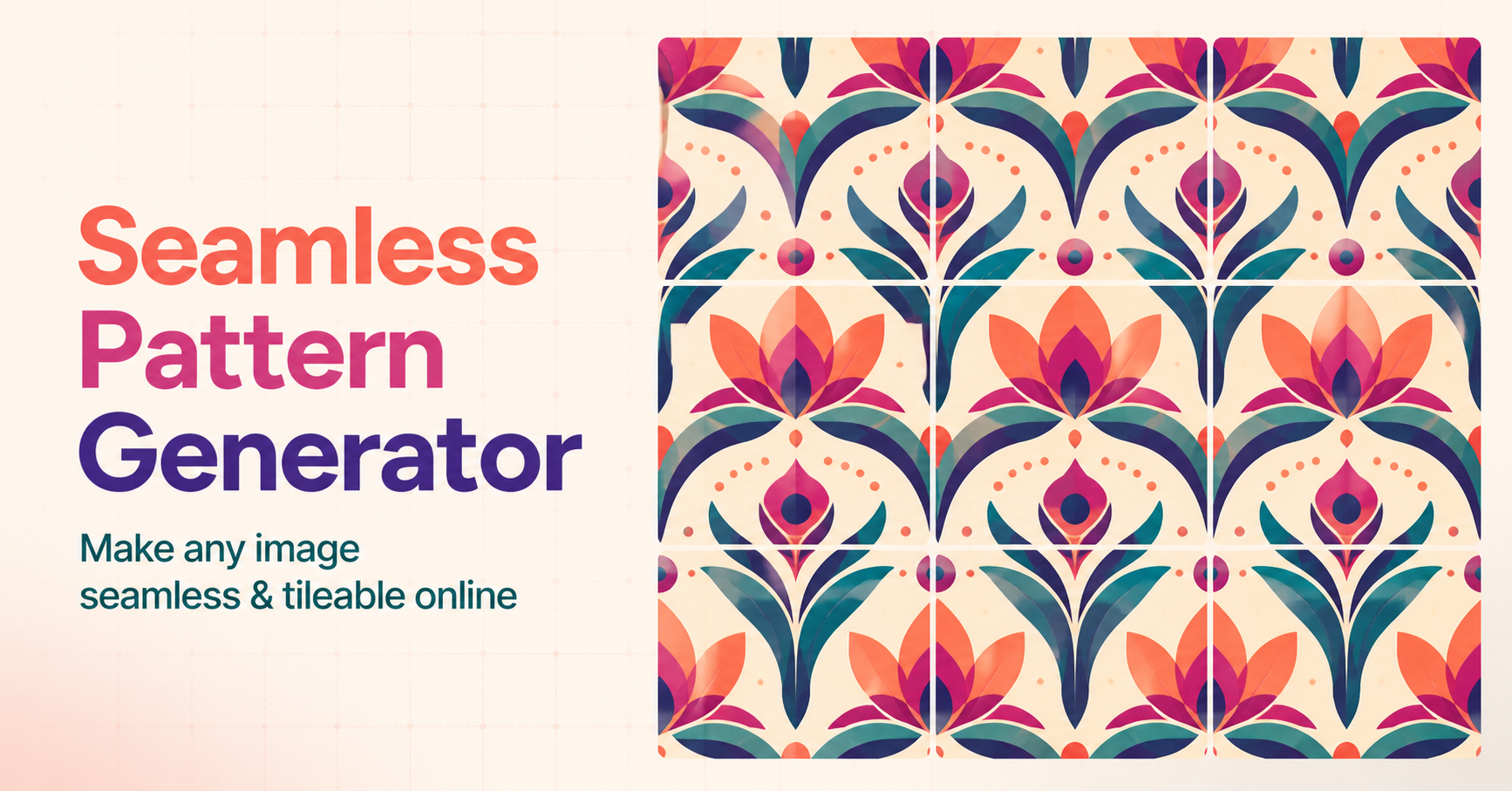
Seamlessify, as it opens in a browser tab.
Not sure how to add Seamlessify to your home screen? Step-by-step for Chrome, Safari, Firefox and Edge — it takes about ten seconds, and there is no app store involved.
Own Seamlessify? Have us re-run this measurement — we open it in a real browser, wait for the service worker, and send you what it cached.
How to install Seamlessify as a PWA
Screenshots
Why we recommend Seamlessify
Seamlessify stands out for its free, browser-based image processing that doesn't require an account. It directly addresses the common challenge of creating perfectly repeating patterns by offering 'Opposite-edge blending' to remove seams and 'Instant repeat inspection' with a 3x3 view. Unlike traditional photo editors, it's purpose-built for seamless pattern generation, streamlining the workflow from upload to export. It supports PNG, JPG, and WEBP uploads and offers 'Production-size export' for high-quality PNG, JPG, or ZIP delivery, making it a powerful tool for quick design tasks without the need for specialized software.
Best use cases
Best for: designers needing to quickly generate seamless textures or backgrounds for web, print, or game development. Artists looking to create tileable illustrations or patterns without manual pixel-level adjustments. Content creators who need to prepare repeating images for digital assets efficiently. Anyone who wants to convert an image into a repeating pattern without installing software.
Honest limitations
Seamlessify is not designed for general-purpose image editing beyond pattern creation and blending. While it offers free browser-based processing, AI generation features are credit-based and require an account. It does not provide advanced layer management, complex selection tools, or a full suite of traditional photo manipulation features found in desktop software.
Are you the maker of Seamlessify? Claim this listing →
Is Seamlessify yours? Add the “Listed on” badge
Optional, and it changes nothing about the listing. Paste it in your README or your site’s footer.

[](https://pwa.directory/directory/seamlessify)
<a href="https://pwa.directory/directory/seamlessify"><img src="https://pwa.directory/badge.svg" alt="Listed on pwa.directory" width="167" height="20"></a>
Prefer not to install it? Seamlessify on Web Apps Directory covers it as a web app you use straight in the browser.
Similar to Seamlessify

ReWords AI allows users to edit and replace text directly within images online. It aims to match the original font, style, and background of the text being replaced. This tool is designed for updating text in flat image files like screenshots, posters, or packaging without needing original project files.
PhotoCraft is a free, open-source online photo editor for editing images and layered PSD files directly in your browser. It leverages a Rust engine compiled to WebAssembly for native-speed performance, offering features like layers, masks, and adjustments without requiring an account for local use.

SVGcode is a Progressive Web App designed to convert raster images like JPG, PNG, GIF, WebP, and AVIF into SVG vector graphics. It provides a straightforward solution for users needing to vectorize images for various design and development needs, supporting a wide range of input formats.

Visual Maker AI is an AI visual creator for images and video. It allows users to generate images, cinematic videos, and story-driven film projects from prompts, reference images, and curated examples using modern AI models. It offers an all-in-one creative workflow for creators and teams.

EditTextInImage is an AI-powered online text editor for images. It allows users to replace existing words in photos, posters, or screenshots with new text, preserving font styles. It offers a free tier for image text editing and is suitable for various creative and business applications.

Vectorize Image converts PNG, JPG, and WEBP files into SVG, EPS, PDF, AI, DXF, or G-code. Users can upload images, review a watermarked preview, and pay credits for clean vector downloads suitable for web, print, and cutting machines. It offers a browser-based solution for converting raster images to scalable vector formats.
Own a PWA? See the listing options — standard submission is free.